Every step of the purchase, designed
Install WooCommerce, add your products and AriShop takes care of how they look. No template files to copy, no page builder and no shortcodes.
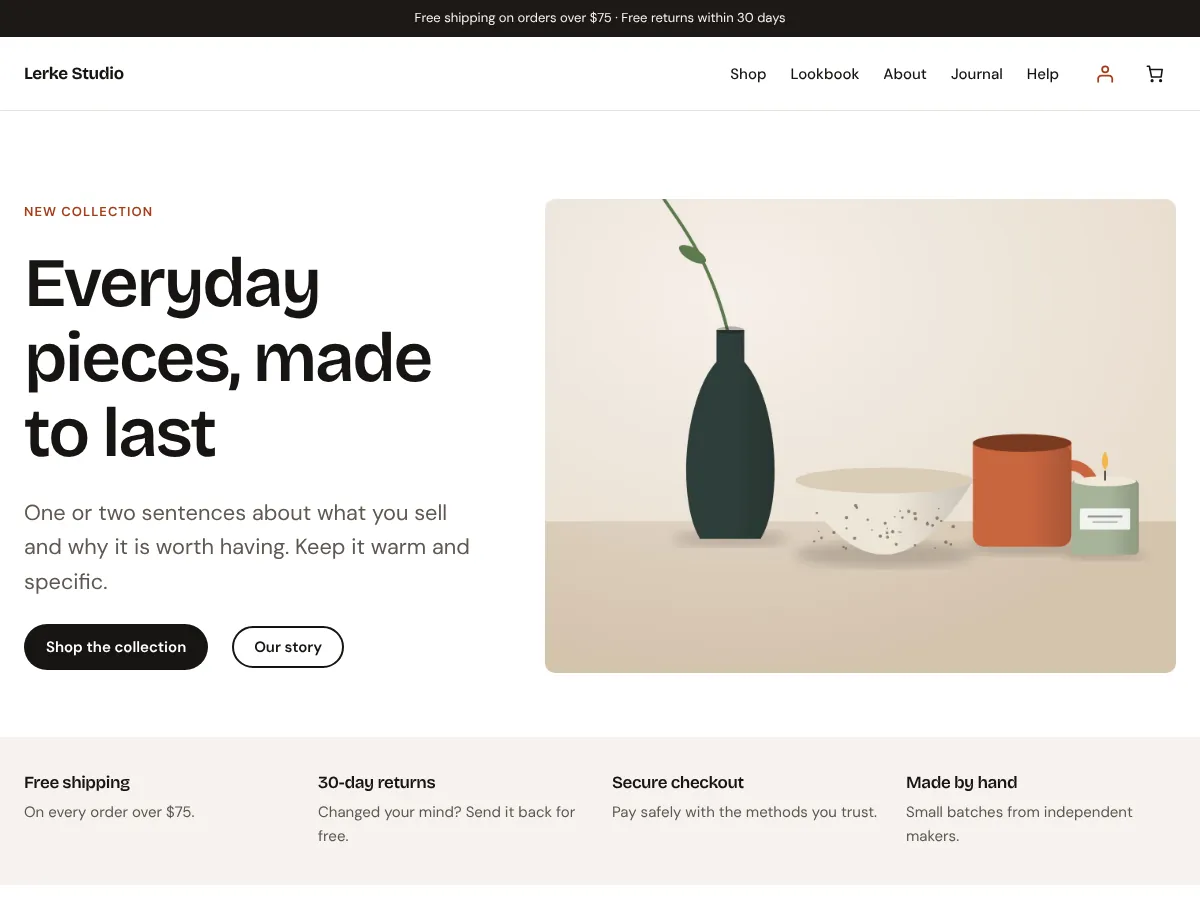
A shop page that lets products speak
Square product photos on soft backgrounds, clear prices, sale badges and an “Add to cart” button on every card. Sorting, result counts and page numbers are built in, and category pages use the same design.
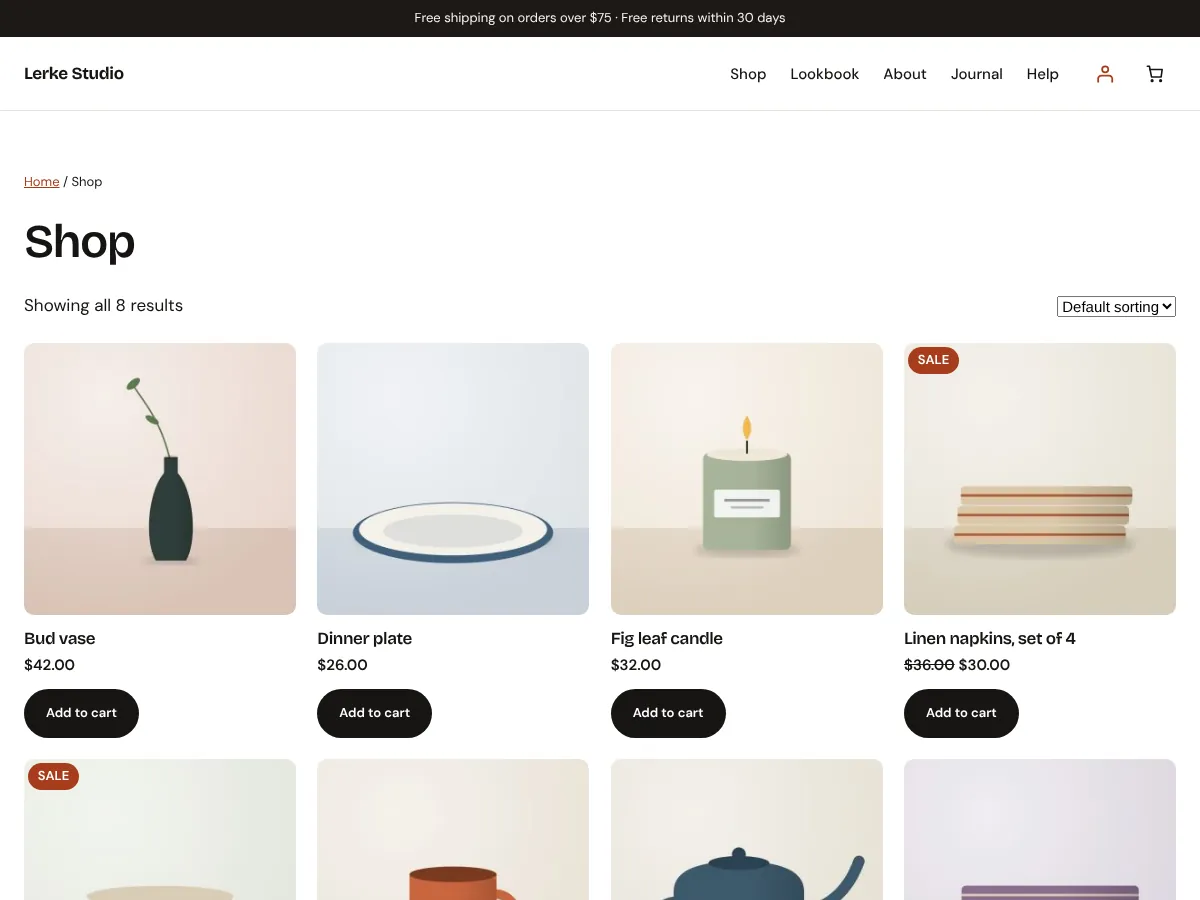
Product pages that answer questions
A large photo gallery beside the category, name, price, stock, quantity and add-to-cart button. Below the button, three short promises about shipping and returns, then the description, reviews and related products.
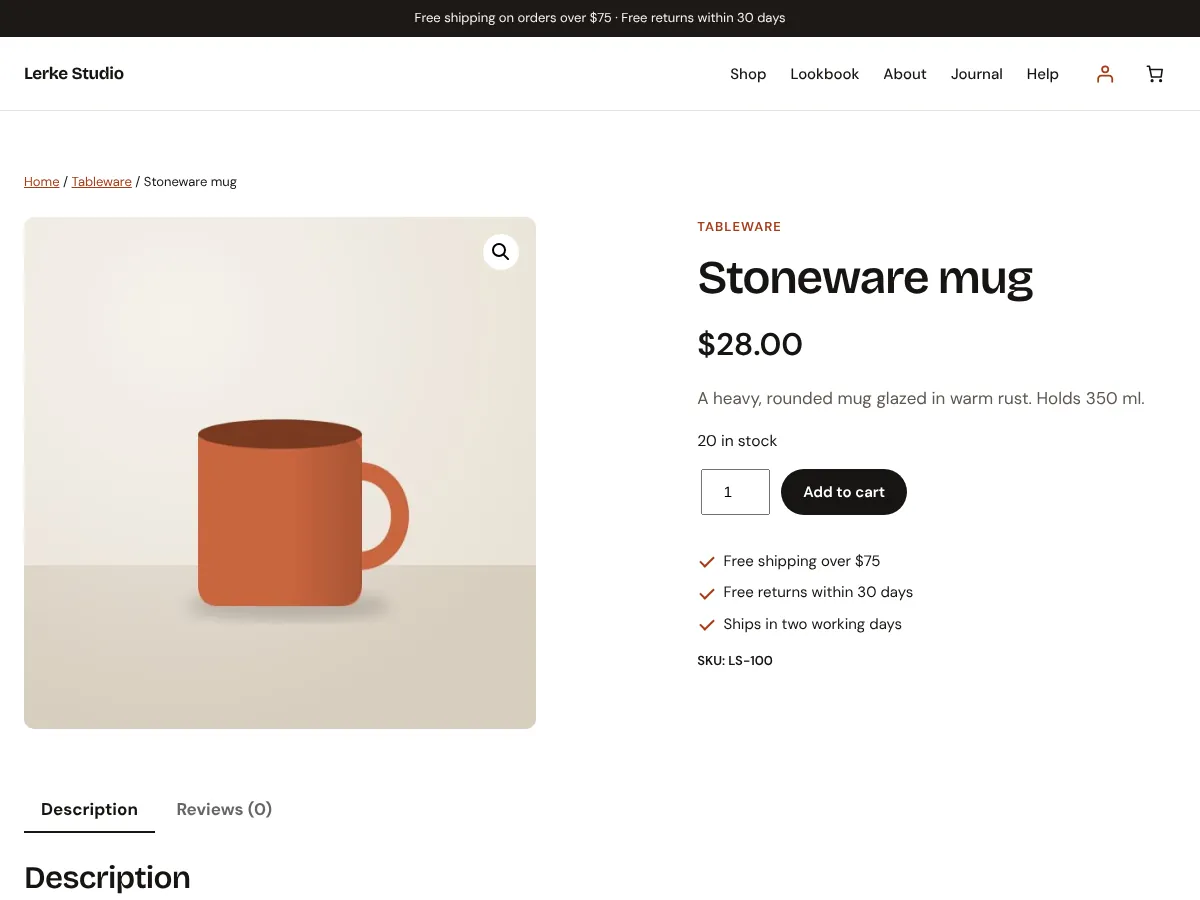
A calm, focused checkout
Checkout gets its own simple header with a link back to the cart, so nothing pulls customers away from paying. The cart, mini-cart drawer and order confirmation page are styled to match.
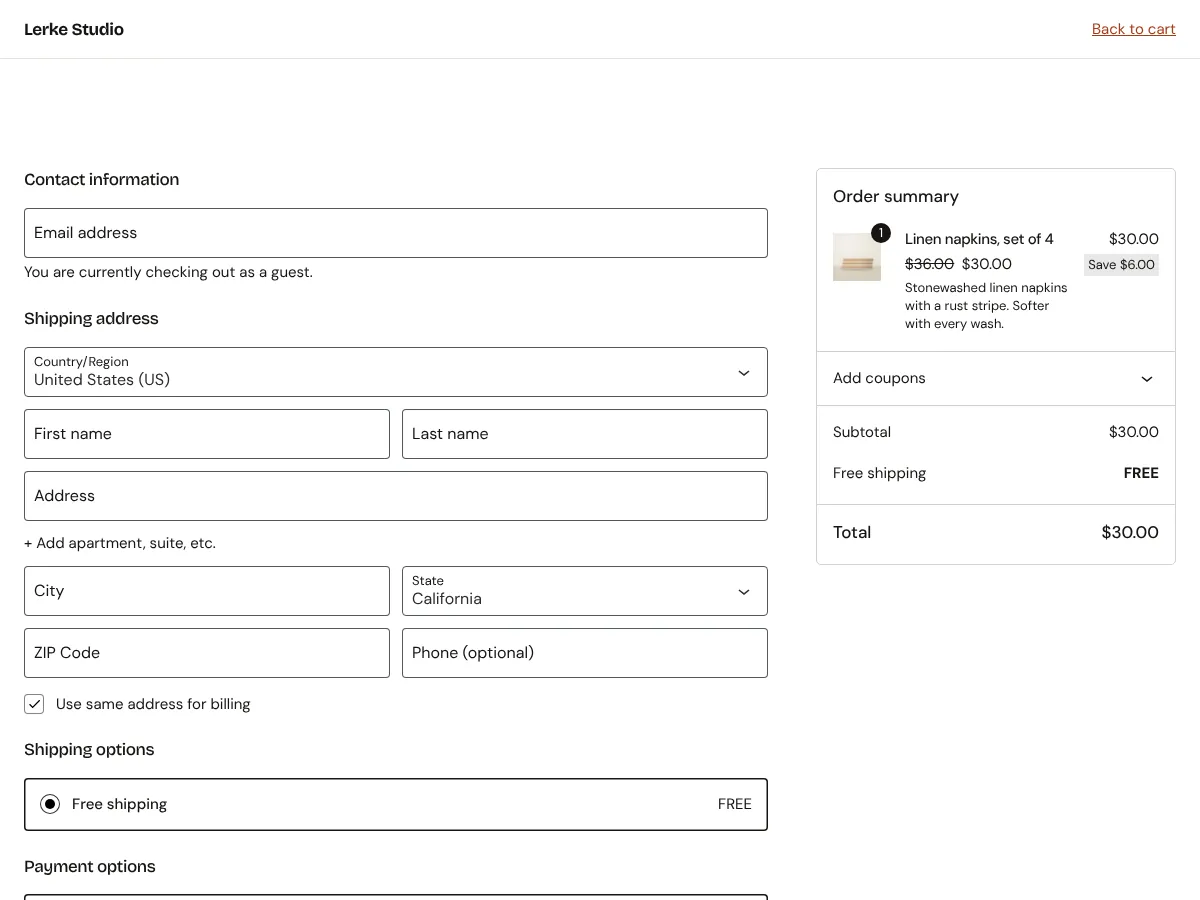
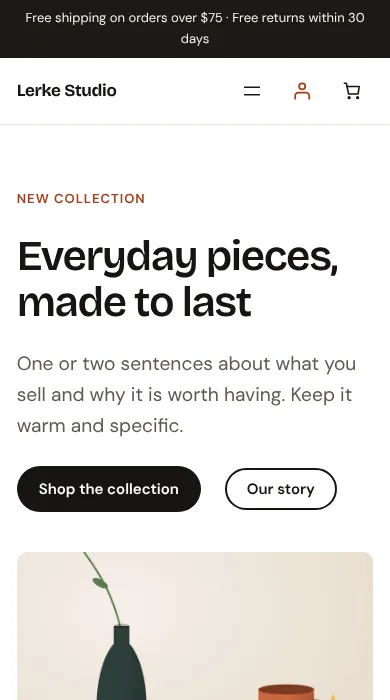
Good on phones
Most shoppers browse on a phone. Everything stacks into one column, the menu folds into a button, and the account and cart icons stay in the header.
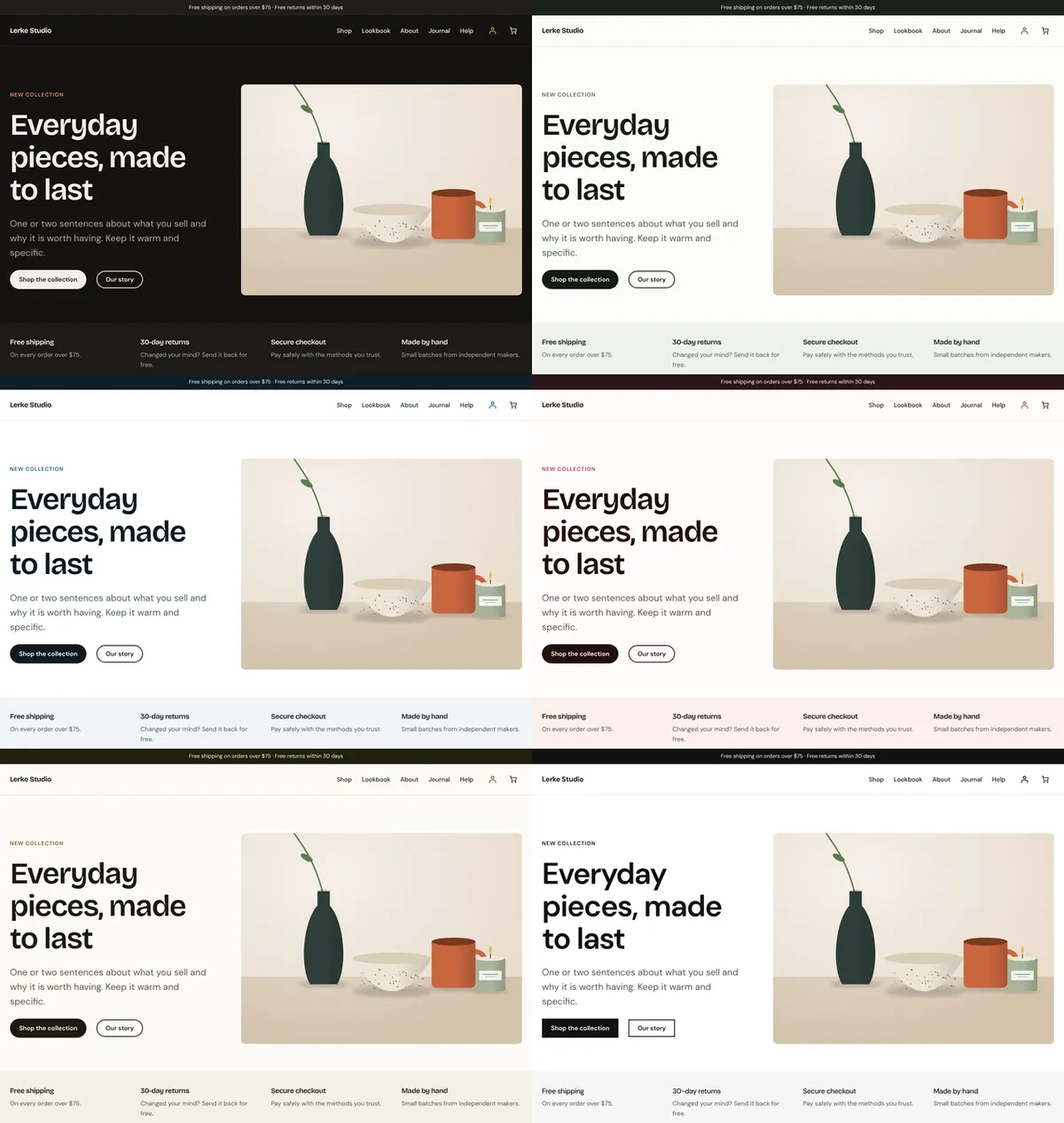
Match your brand in one click
Pick a style under Appearance → Editor → Styles. Noir is a dark style, Minimal uses square buttons and plain sans headings, and the rest change the colours. Every style keeps text at WCAG AA contrast or better.
Build any page from blocks
Find them in the block inserter under AriShop. The four product sections appear when WooCommerce is active.
Built on WooCommerce blocks, nothing extra to install
Fifteen templates
Six for the shop (shop and categories, product, product search, cart, checkout, order confirmation) and nine for posts and pages.
A header made for shopping
An announcement bar for your offer or shipping terms, the menu, an account icon and a mini-cart that slides in from the side.
Bricolage Grotesque and DM Sans
Characterful headings and an easy-to-read text font, both stored in the theme, so no visitor data goes to Google Fonts.
Accessible by default
A clear focus outline, a skip link, readable contrast in every style, and a closed mini-cart that keyboard users cannot tab into by mistake.
Works without WooCommerce
Use it for a brand site or blog first. The cart, account and product sections stay hidden until you install WooCommerce.
Light and fast
No page builder, no jQuery and no theme script. Only WooCommerce's own blocks load what they need.
From install to first sale in four steps
- Install and activate AriShop under Appearance → Themes, then install WooCommerce.
- Add your products with a square photo, price and category.
- Add a page, pick the Shop home page starter and set it as your home page under Settings → Reading.
- Edit the announcement bar and promises so they match your real shipping and returns terms.
How we test AriShop
Every release is tested on the current WordPress version with the current WooCommerce, with and without WooCommerce active. We place a real test order from product page to order confirmation, open every section and template in the editor, check every page at phone and desktop width, and run an accessibility scan on the shop, cart, checkout and account pages in all seven styles.
What to expect
A first release
AriShop is at version 0.1.0. We send our themes to the WordPress.org Themes Team one at a time; AriShop follows AriNova, AriPress, AriJournal, AriOak and AriVolt.
WooCommerce does the selling
Payments, shipping, taxes and stock all come from WooCommerce and the extensions you choose. AriShop only shapes how the shop looks.
No product filters yet
The shop page has sorting, but no filters by price, colour or size. You can add WooCommerce's own filter blocks to the template in the Site Editor.
Coming in AriShop Pro
Quick view, colour and size swatch styling, a multi-step checkout layout and ready-made store starter sites. These are planned, not built yet. Everything on this page is in the free theme.
Coming soon on WordPress.org
AriShop will be free to install straight from your WordPress dashboard under Appearance → Themes → Add New. Leave your email and we will tell you the day it is live.
Frequently asked
Which WordPress, PHP and WooCommerce versions does it need?
WordPress 6.6 or newer and PHP 7.4 or newer. Current WooCommerce itself needs WordPress 7.0 or newer. We test AriShop on WordPress 7.1 with WooCommerce 11.2.
Is AriShop free?
Yes. The theme is free and licensed under GPLv2 or later, like WordPress itself. AriShop Pro is planned as a separate add-on; the free theme will never lose features to it.
Do I need WooCommerce?
Only to sell. Without it AriShop works as a brand site or blog, and the cart, account and product sections stay hidden.
Does it work with the block cart and checkout?
Yes. AriShop is made for WooCommerce's block cart and checkout, which are the default in new shops.
What size should product photos be?
Square photos work best, at least 1000 by 1000 pixels. The shop grid and related products show them square.
Can I change the announcement bar?
Yes. Edit it under Appearance → Editor → Patterns → Header, or remove it. Make sure it matches your real shipping and returns terms.
Does it load Google Fonts?
No. Bricolage Grotesque and DM Sans are stored inside the theme and served from your own site, so no visitor data goes to Google or any other server.
Is there a dark mode?
Yes. Choose the Noir style under Appearance → Editor → Styles. It changes the whole shop.
Will my products stay if I change theme later?
Yes. Products, orders and customers belong to WooCommerce. AriShop adds no custom post types or shortcodes, so nothing is left behind if you switch.
Can I translate it?
Yes. All texts are translatable and the theme includes a translation template. Once AriShop is on WordPress.org, volunteers can translate it there and WordPress installs the language packs for you.