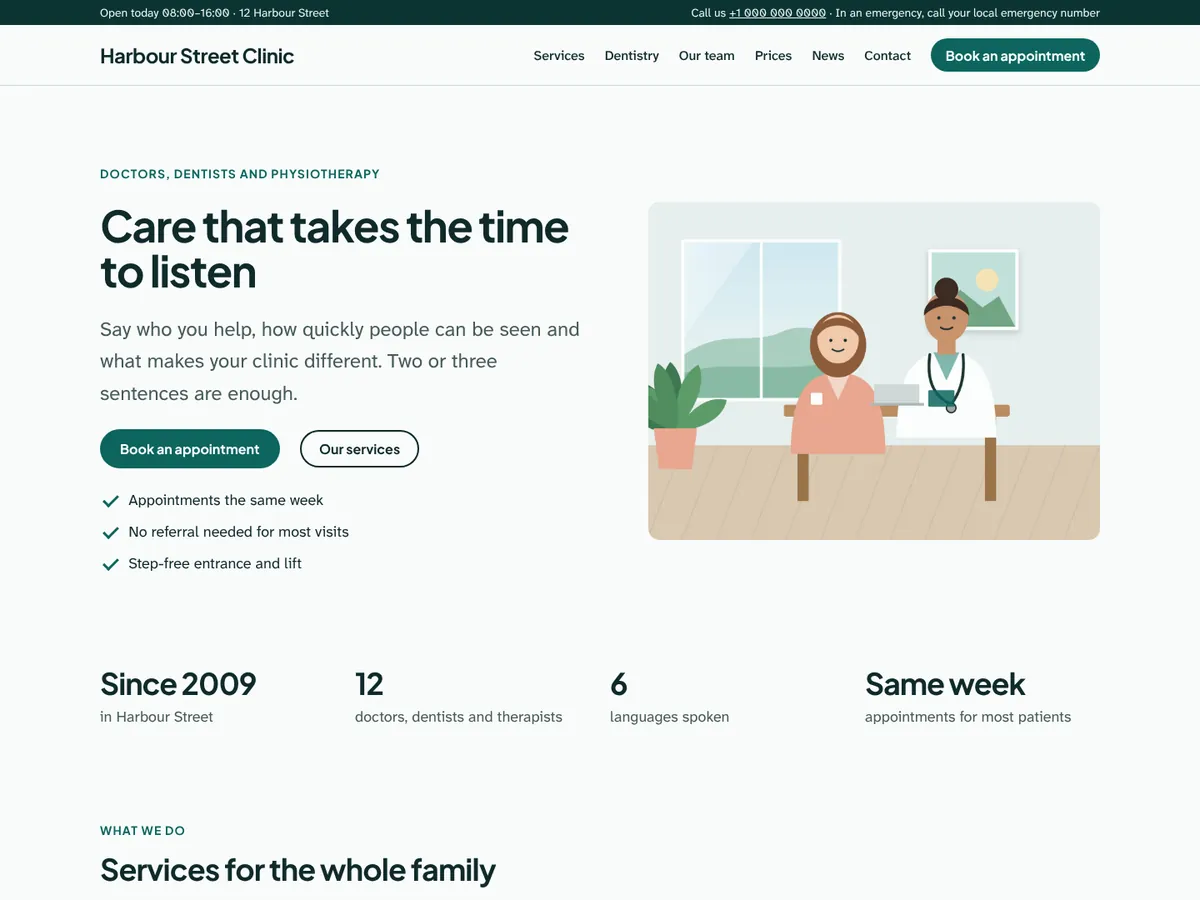
Everything a patient looks for, on the first screen
People visit a clinic website to answer three questions: can you help, what does it cost and when can I come. AriClinic puts the answers where they look first, and the way to book on every page.
A booking button that finds your booking page
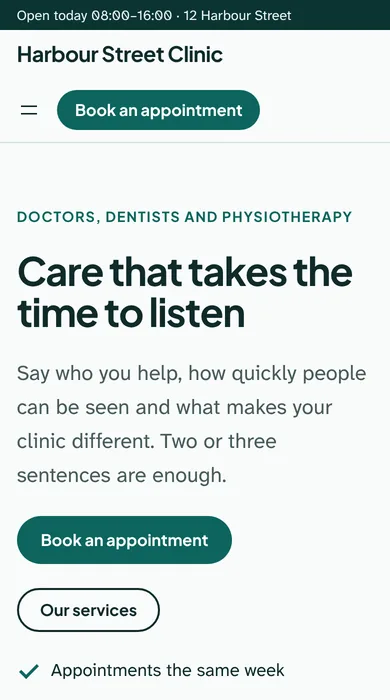
The header button goes to your page at /appointments/, /book/ or /booking/ if you have one, and to your contact page if not. Booking plugins can send it anywhere with one filter. A top bar above it shows today's opening hours, your address and your phone number as a tap-to-call link.
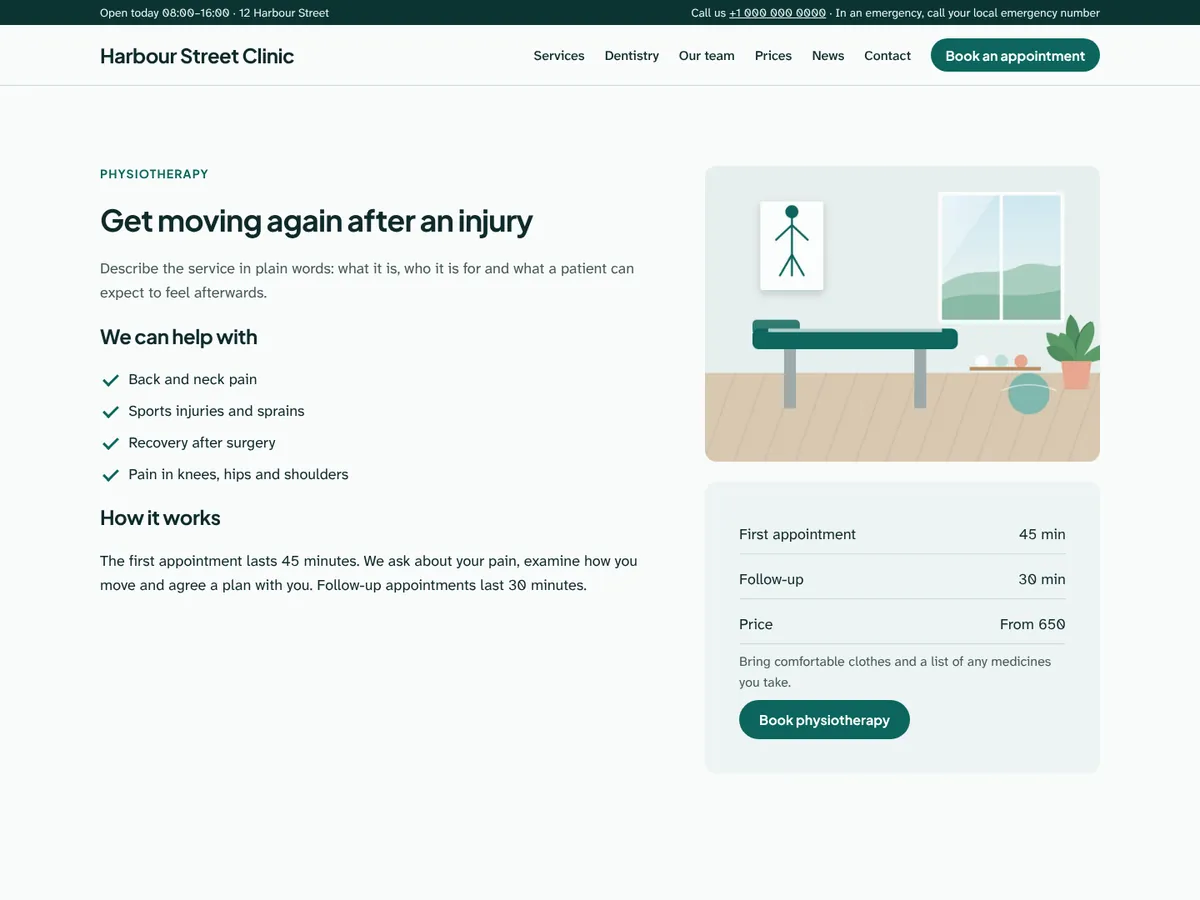
Services that explain themselves
A services grid with a clear icon for each kind of care, a services list, a page about one service, and the conditions you treat. Each card links to a page saying who the service is for and what to expect.
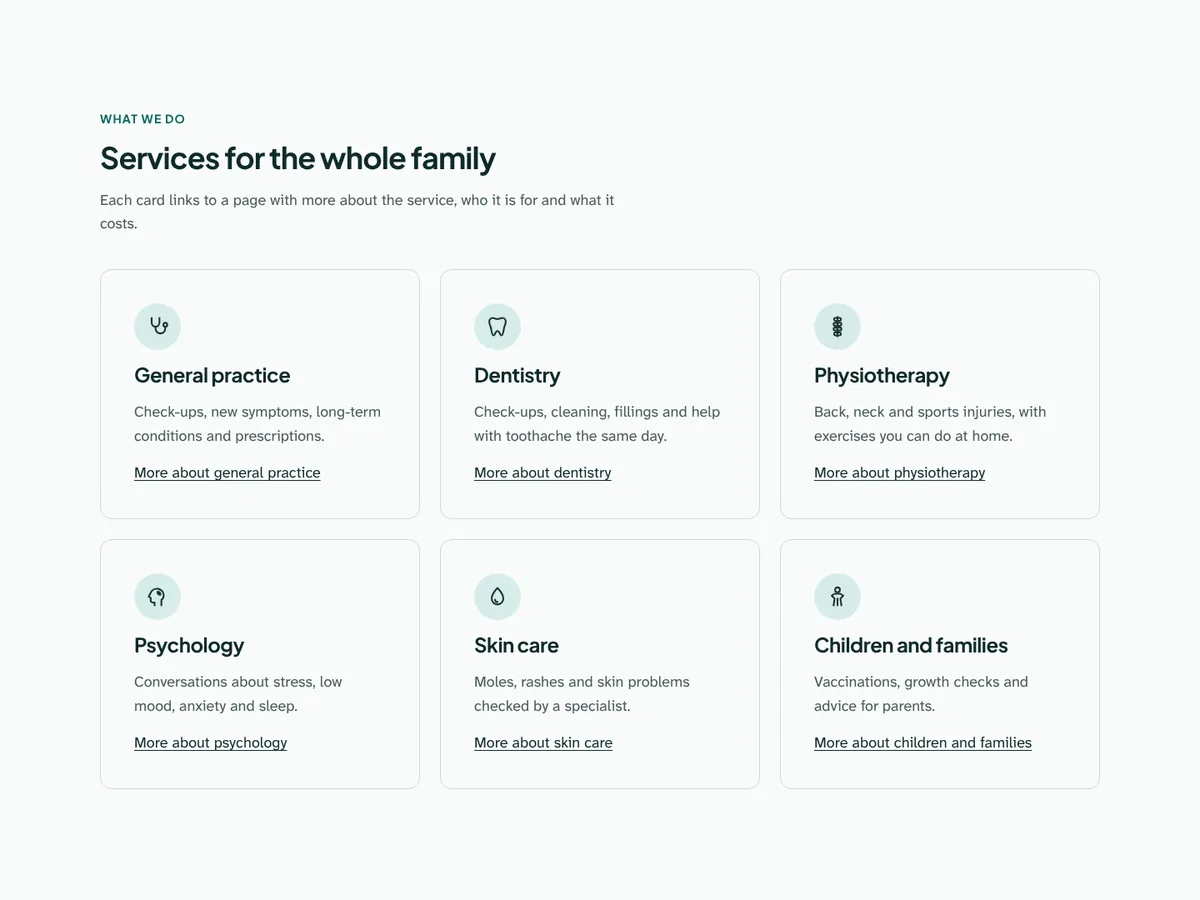
Prices people can read
A price list with dotted lines between each treatment and its price, notes under the items that need them, and a plain price table with times. A short notice says what health insurance or public refunds may cover. Prices are text, so screen readers read them and they grow when someone zooms in.
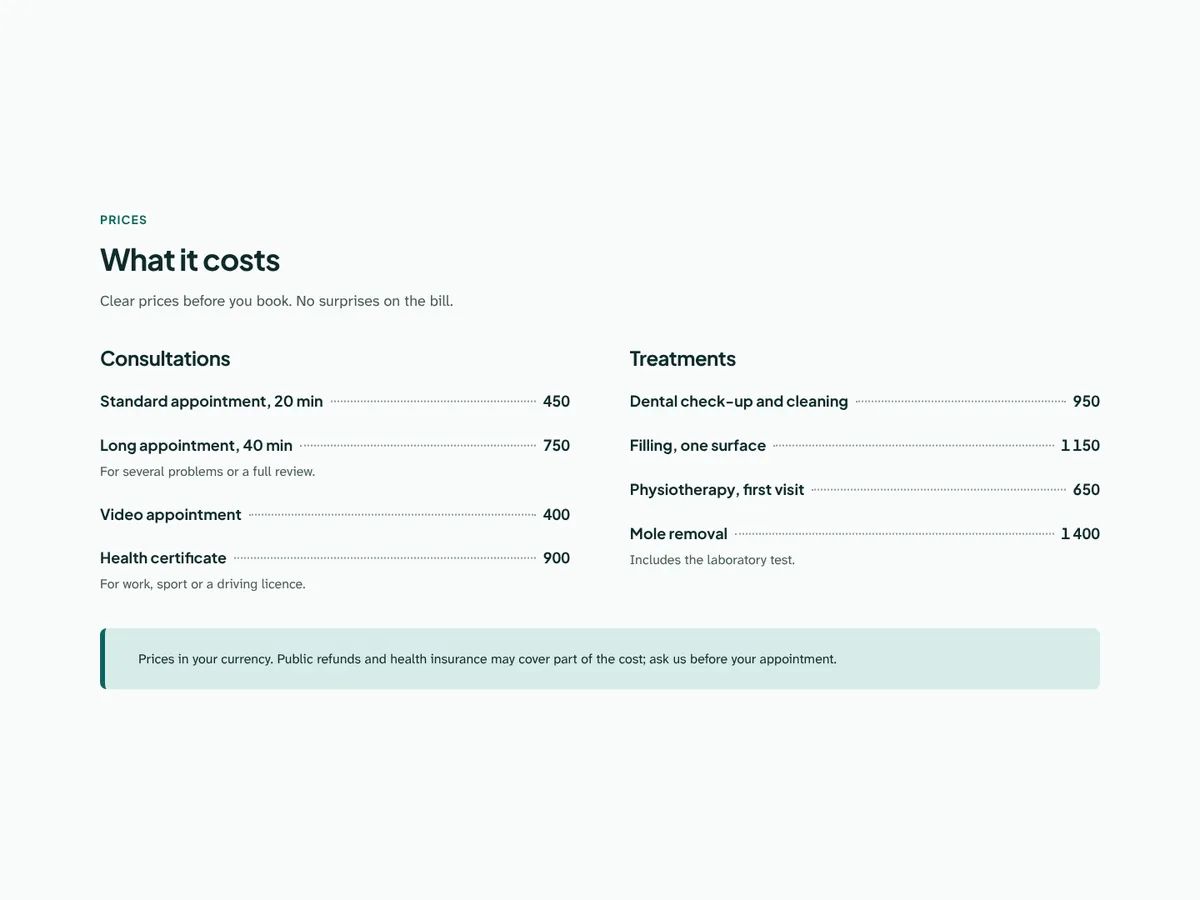
Clinicians, with what they treat and the languages they speak
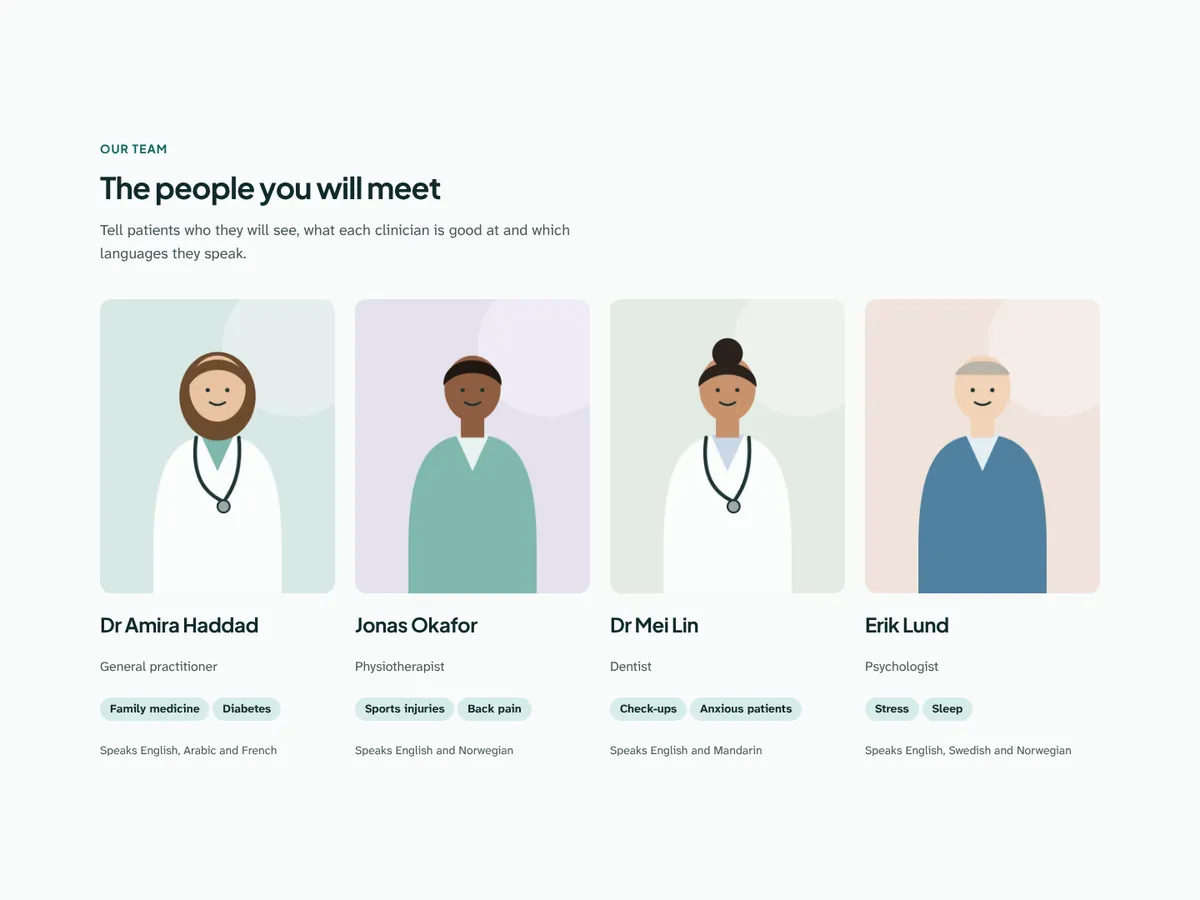
Show who patients will meet: a portrait, a role, specialty tags and the languages each person speaks. A profile section gives one clinician a page of their own, and a careers section helps you hire.
Finding you, and getting in
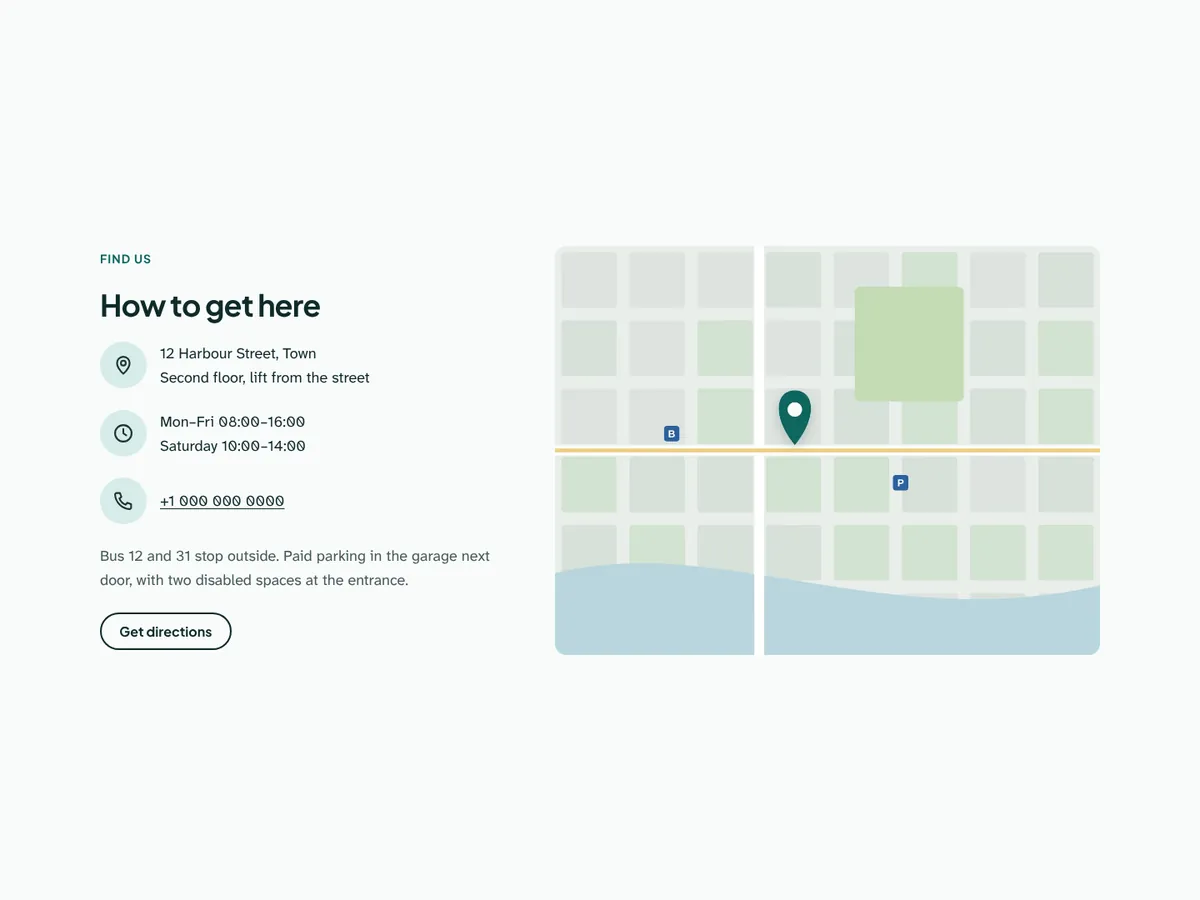
Directions with a map, opening hours for every day, and an access section for step-free entrances, lifts, parking and interpreters. The map is an illustration stored in the theme, so no visitor data goes to a map service. Point the “Get directions” button at your address in the map app you prefer.
Good on phones
Most patients look up a clinic on their phone, often when they are unwell. The top bar, booking button and phone number stay within reach, and nothing on the page scrolls sideways.
Calm by default, yours in one click
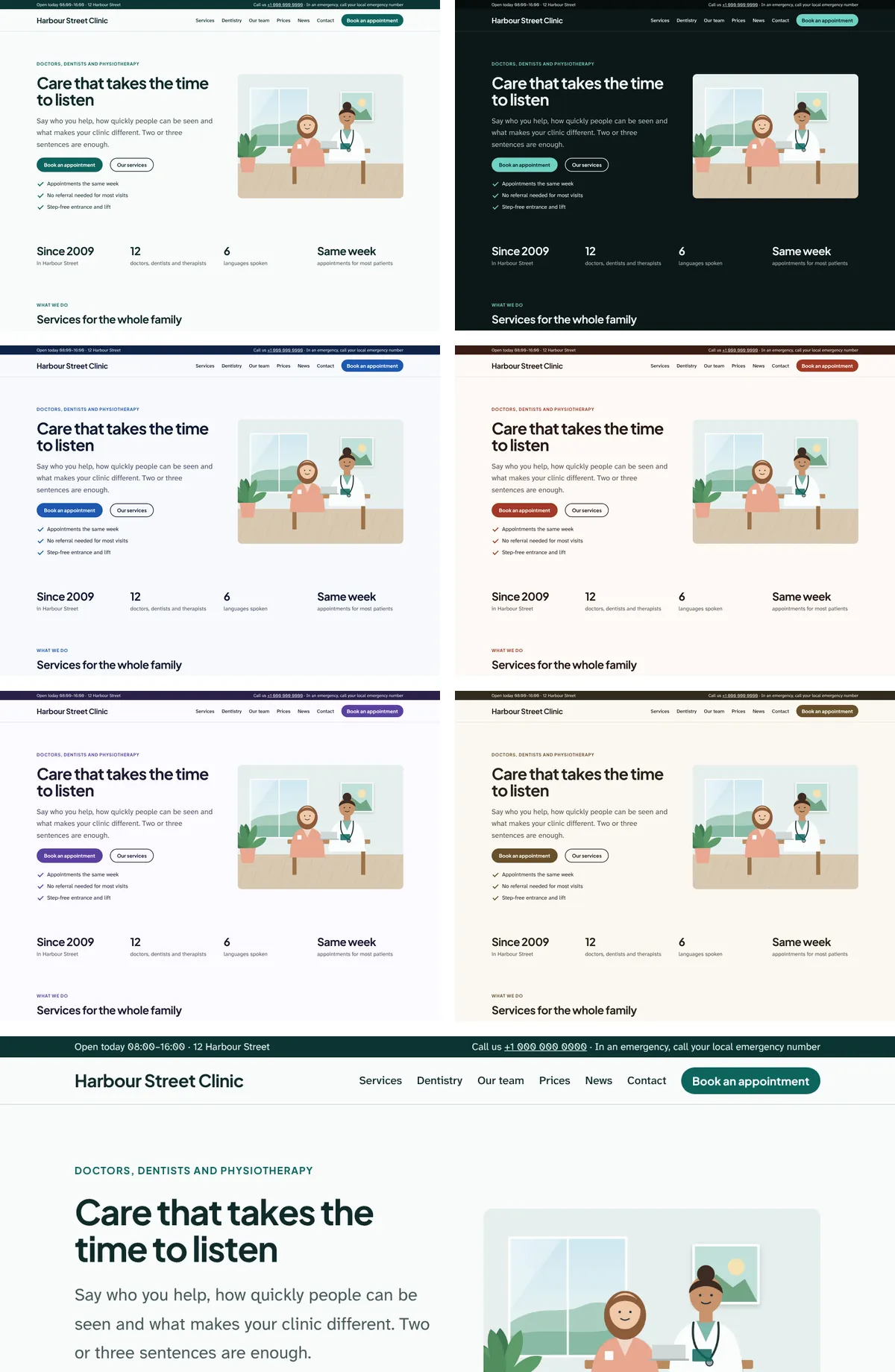
Pick a style under Appearance → Editor → Styles. The default is a quiet green. Night is dark, Dental is blue, and Coral, Lavender and Sand give a warmer feel. Large text makes every text size bigger for clinics whose patients are older or have low vision. Every colour pair in every look meets WCAG 2.2 AA contrast.
Build any page from blocks
Find them in the block inserter under AriClinic. When you add a new page, AriClinic also offers seven complete starter pages: a clinic home page, a dental clinic home page, services, one service, your team, prices, and visit and contact.
Quiet on the outside, careful inside
Type made for low vision
Body text is set in Atkinson Hyperlegible Next, made by the Braille Institute so similar letters are easy to tell apart, at 18 pixels with generous line spacing. Headings use Plus Jakarta Sans. Both are stored in the theme.
An accessibility statement
AriClinic ships with a statement in the wpaccessibility.org format: what we test, with which tools, and where to report a problem. Focus outlines are 3 pixels thick, links in text are underlined, and motion stops when a visitor's system asks for less.
Nine templates
A page at reading width, a wide page, a landing page for full-width sections, a blank page, posts, a blog index, archives, search results and a helpful 404 page.
Three headers, two footers
A standard header with the top bar and the booking button, a centered header and a dark one, plus a full footer with your address and hours or a simple one-line footer.
Collects no patient data
Health information needs secure handling, so AriClinic adds no forms and stores nothing. Link the booking buttons to a booking service or plugin you trust.
Light and fast
No page builder, no jQuery and no theme script on your public pages. The illustrations and icons are drawn for this theme and stored in it.
From install to open doors in four steps
- Install and activate AriClinic under Appearance → Themes.
- Add a page and choose a starter page, such as Clinic home or Prices, then replace the sample text with your own.
- Edit the top bar under Appearance → Editor → Patterns → Header: your hours, address, phone number and your country's emergency number.
- Create your booking page at /appointments/ or /book/, or keep the button pointing to your contact page.
How we test AriClinic
Every colour pair in all seven looks is checked against WCAG 2.2 contrast ratios by a script that stops the build if one fails. Every page of the demo and the official Theme Unit Test content is scanned with axe at phone and desktop width in every look, checked at 200% zoom, and tried by hand with only a keyboard. We open every section and template in the editor to make sure no block breaks.
What to expect
A first release
AriClinic is at version 0.1.0. We send our themes to the WordPress.org Themes Team one at a time, so it follows the themes already in the queue.
Bookings and patient forms are not in the theme
A theme should not handle health data. Use a booking service or plugin you trust and link the buttons to it.
No reviews section, on purpose
Many countries restrict patient testimonials in health marketing. AriClinic offers an “Our promise” section with your own commitments instead.
The map is an illustration
So the theme makes no requests to map services. Replace it with a picture of your street or a map block from a plugin you trust, and keep the “Get directions” link pointing to your address.
Coming soon on WordPress.org
AriClinic will be free to install straight from your WordPress dashboard under Appearance → Themes → Add New. Leave your email and we will tell you the day it is live.
Frequently asked
Which WordPress and PHP versions does it need?
WordPress 6.6 or newer and PHP 7.4 or newer. We test it on the current WordPress release, 7.1.
Is AriClinic free?
Yes. The theme is free and licensed under GPLv2 or later, like WordPress itself.
Which kinds of clinic is it for?
General practices, dentists, physiotherapists, psychologists, chiropractors, skin clinics and wellness centres. There is a separate starter home page for dental clinics.
Where does the “Book an appointment” button go?
To your page at /appointments/, /book/ or /booking/, in that order, and to /contact/ if none of those exist. To send it somewhere else, edit the button in the Site Editor, or use the ariclinic_booking_url filter in a plugin.
Can patients book or send forms through the theme?
No. Health information needs secure handling, and a theme should not collect data. Use a booking service or plugin you trust and link the booking buttons to it.
How do I add a treatment to the price list?
Select a treatment, open the block options and choose Duplicate, then change the name, price and description. To make the dotted line on a new row, select a Row block holding a name and a price and choose the “Price line” style.
What should I write in the emergency notice?
The theme says “call your local emergency number”, because it cannot know where you are. Write your country's emergency number and your out-of-hours service in the top bar, the footer and the urgent-help notice.
Does it load Google Fonts or a map service?
No. Atkinson Hyperlegible Next and Plus Jakarta Sans are stored inside the theme, and the map is an illustration, so no visitor data goes to Google or any other server.
Is there a dark mode, or bigger text?
Yes. Choose the Night look for a dark site, or Large text to make every text size bigger, under Appearance → Editor → Styles.
Will my pages stay if I change theme later?
Yes. Your pages and posts belong to WordPress. AriClinic adds no custom post types or shortcodes, so nothing is left behind if you switch.