From the first visit to the last lesson
People choose a course when they can see what they will learn, who teaches it and what it costs. They finish it when every lesson shows where they are. AriEdu is built for both.
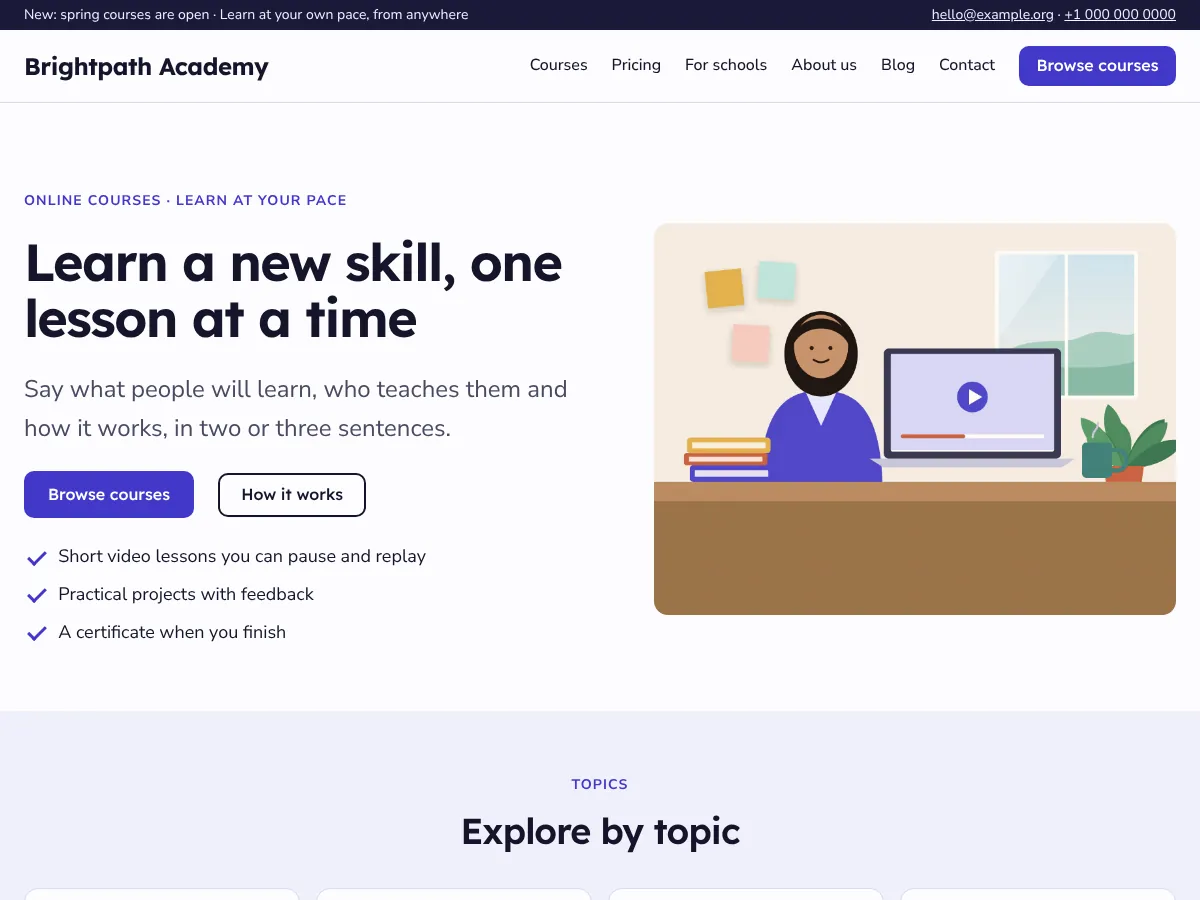
A catalogue people can browse
Course cards with a cover, topic, number of lessons, length, level, teacher and price, with the course name as the link. Add a search hero with popular topics, topic tiles with course counts, or a list layout for longer catalogues.
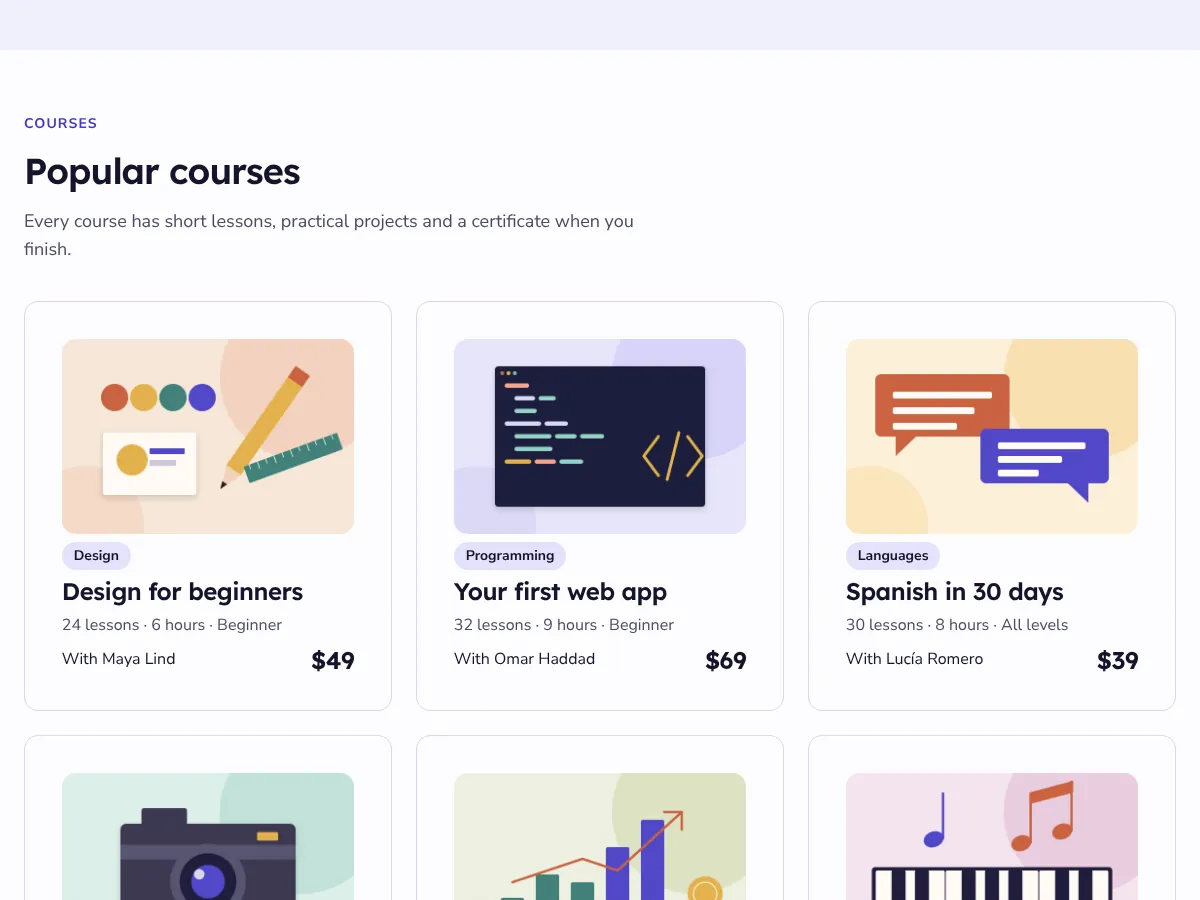
A course page that answers every question
What learners will be able to do, what they need before they start, and a box with the price, the Enrol button, the number of lessons, the level and whether there is a certificate. Below it, a curriculum of modules that open one at a time, each lesson with its length and free previews marked in words.
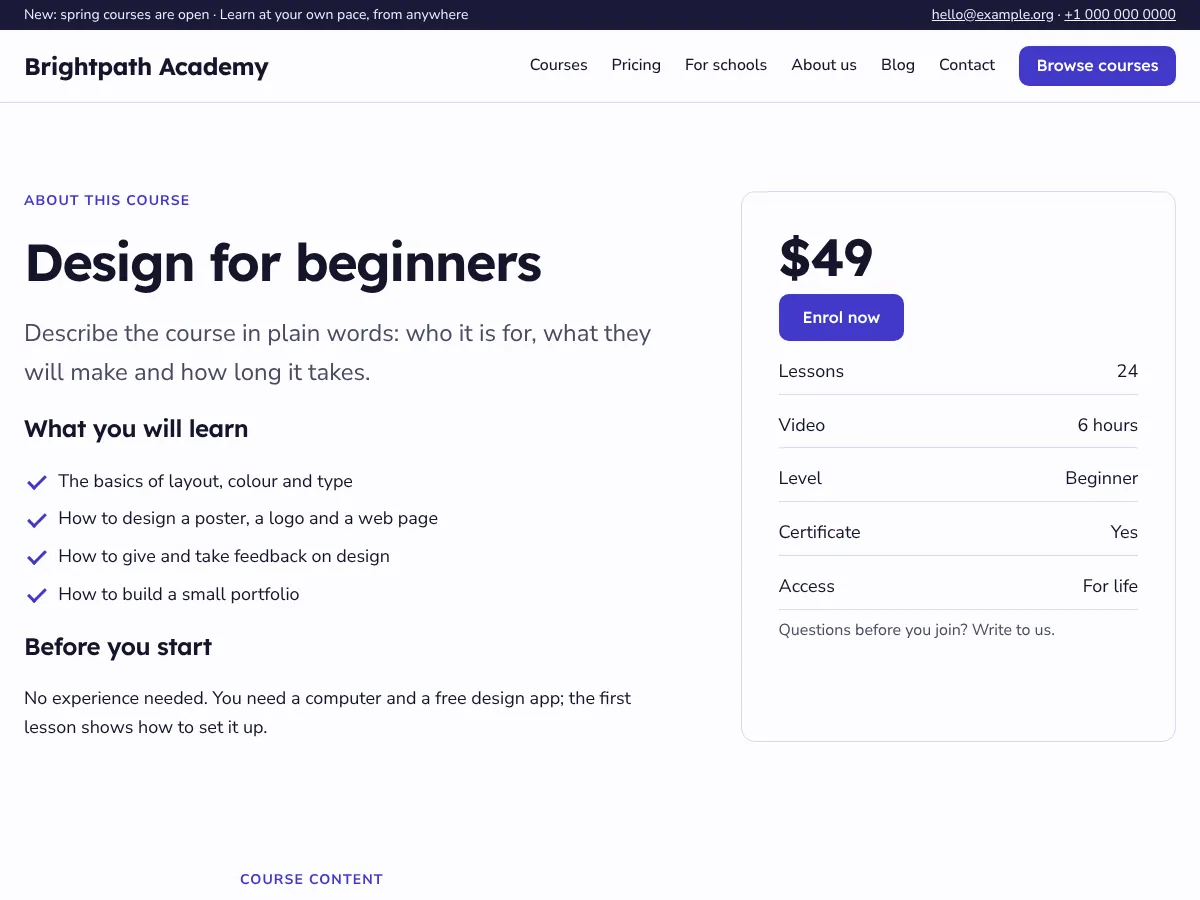
Lessons that keep people going
Every lesson shows where it sits in the course, a progress bar with the same figure written beside it, the lesson itself, a box of key points, and buttons to the previous and next lesson. One idea per lesson, and always a clear next step.
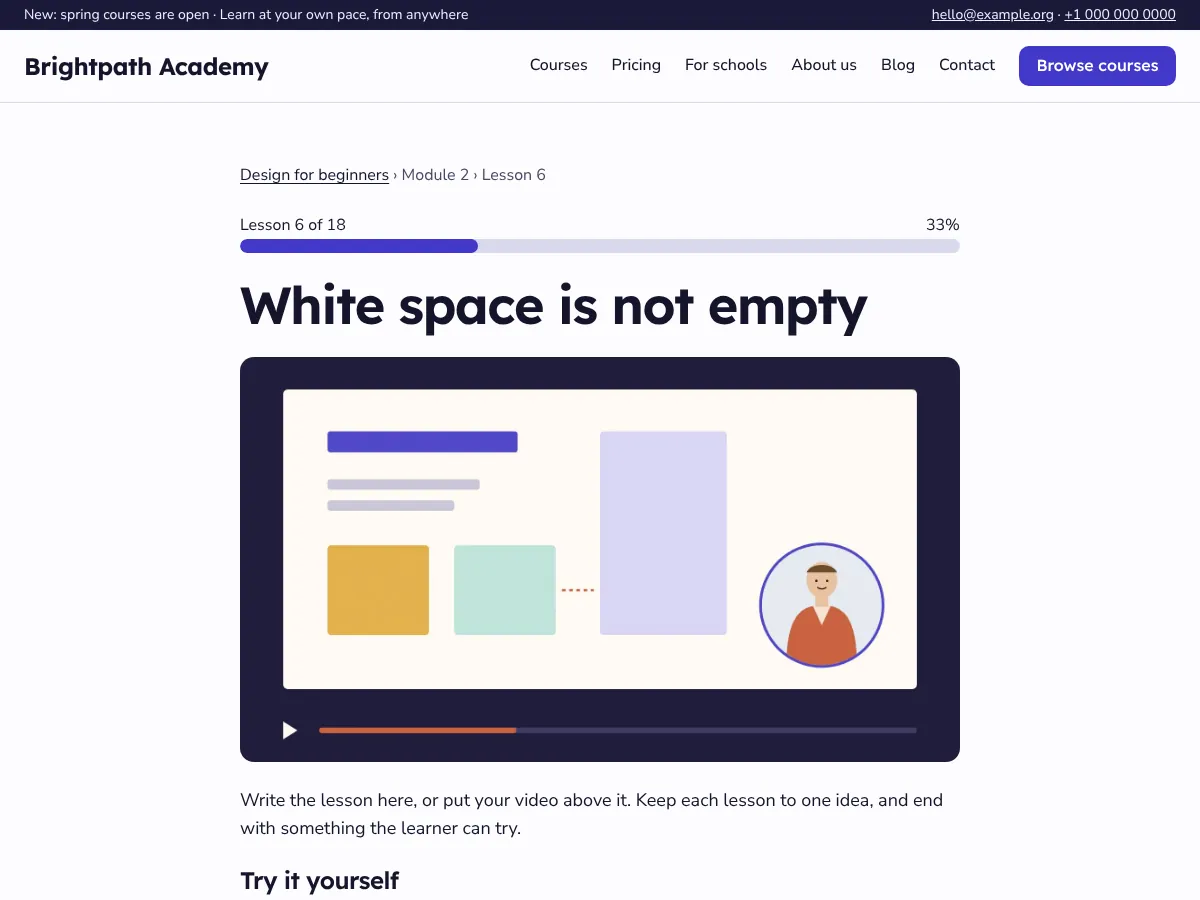
For schools, too
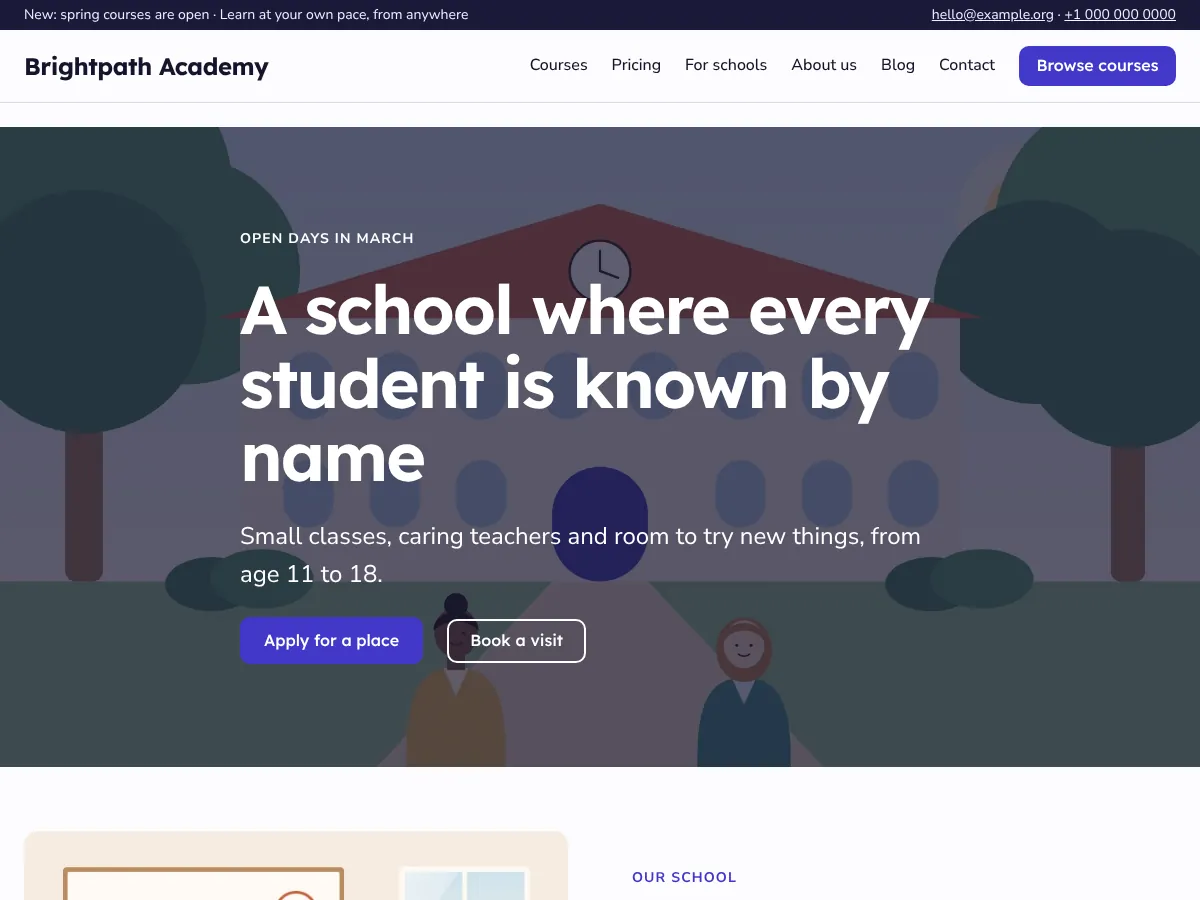
A school hero with Apply and Visit buttons, what makes your school different, subjects, four steps to apply with key dates, term dates and open days with date badges, and your latest news. “Apply for a place” buttons go to your page at /apply/, /admissions/ or /enrol/.
Good on phones
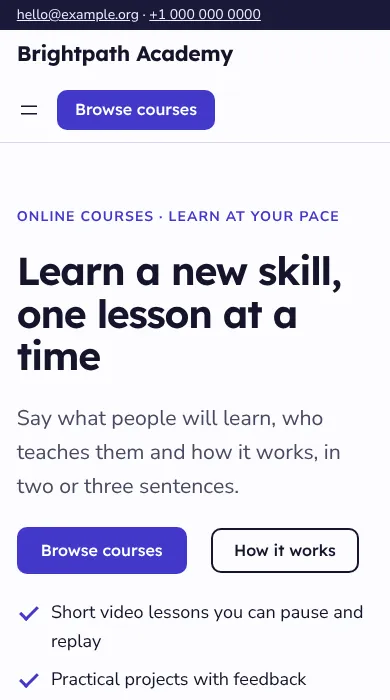
Many learners study on a phone, in a lunch break or on the bus. The Browse courses button stays in the header, course cards stack one per row, and nothing on the page scrolls sideways.
Your LMS, in your theme's colours
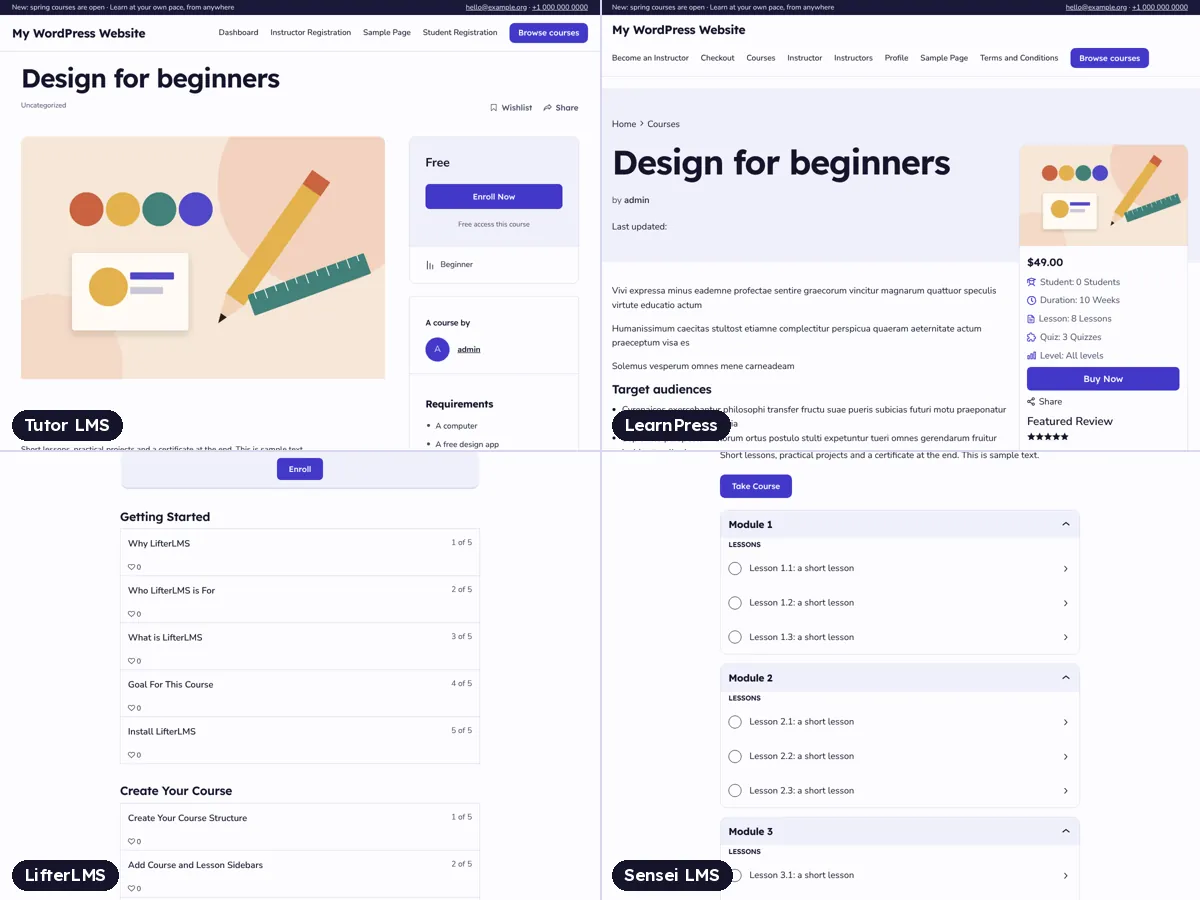
When Tutor LMS, LearnPress, LifterLMS or Sensei LMS is active, AriEdu loads a small stylesheet for that plugin only. Course lists, course pages and lessons take the theme's colours, fonts, corners and buttons, and stay readable in every look, including the dark one. A brand colour you set in the plugin's own settings is kept. With Sensei LMS, Learning Mode uses the theme's fonts instead of fonts from Google.
We tested AriEdu with Tutor LMS 4.2, LearnPress 4.4, LifterLMS 11.0 and Sensei LMS 4.27: every course list, course page and lesson passes the colour contrast check in the default and dark looks.
Our own AriLMS needs no extra stylesheet: its learner pages take AriEdu's colours, fonts and buttons by themselves, and pass the same checks.
Friendly by default, yours in one click
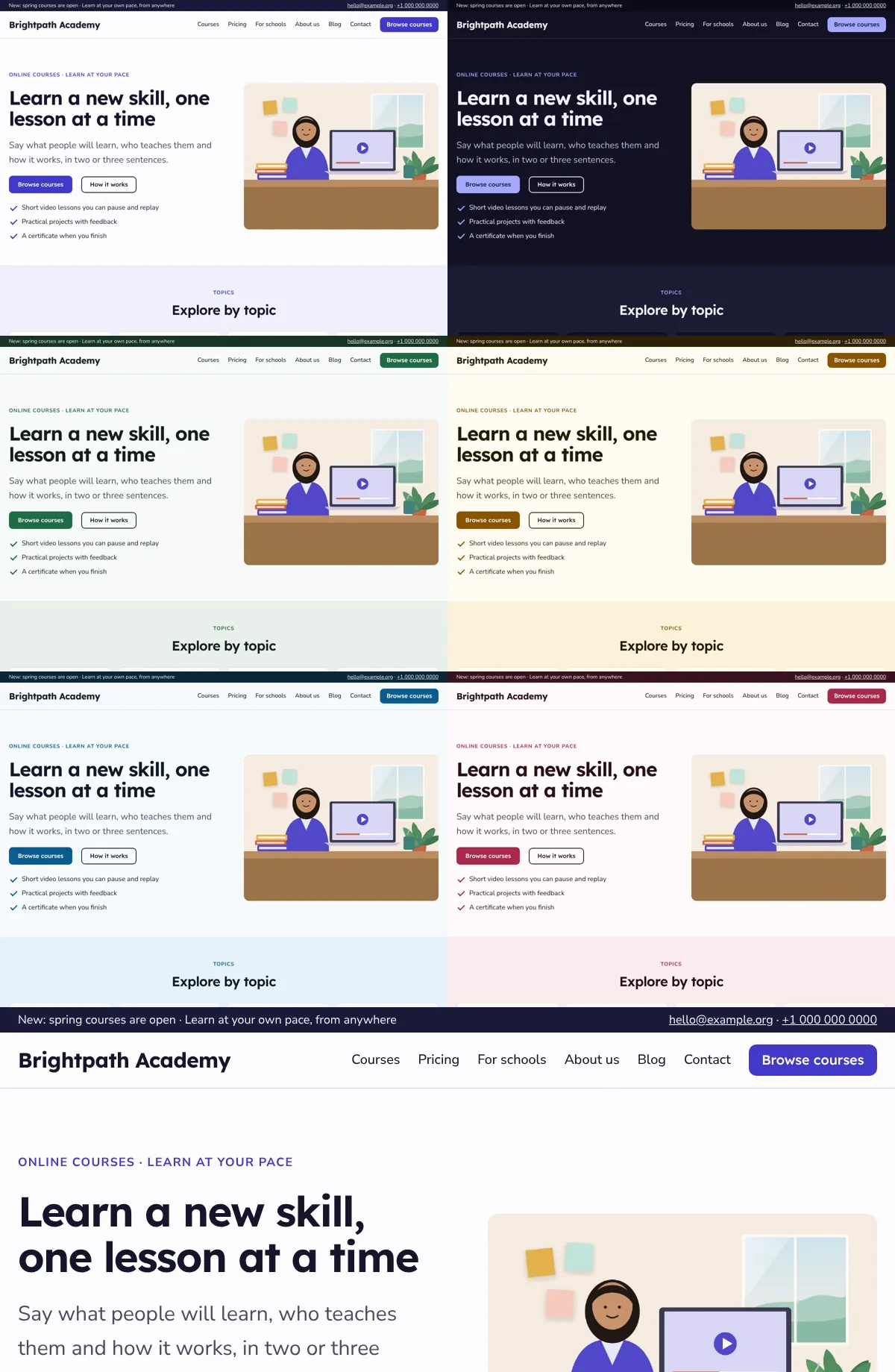
Pick a style under Appearance → Editor → Styles. The default pairs a calm off-white with a confident indigo. Night is dark, and Chalkboard, Sunshine, Ocean and Rose suit academies, schools and clubs with colours of their own. Large text makes every text size bigger. Every colour pair in every look meets WCAG 2.2 AA contrast.
Build any page from blocks
Find them in the block inserter under AriEdu. When you add a new page, AriEdu also offers eight complete starter pages: a course creator home page, a school home page, a course catalogue, one course, one lesson, about us, pricing and contact.
Friendly on the outside, careful inside
Type made for learners
Headings are set in Lexend, a typeface designed to make reading easier, and text in Nunito Sans, rounded and open, at 18 pixels. Both are stored in the theme.
The button finds your courses
“Browse courses” goes to your LMS plugin's course list when one is active, otherwise to your page at /courses/, /catalog/ or /catalogue/. Change it in the Site Editor or with a filter.
An accessibility statement
AriEdu ships with a statement in the wpaccessibility.org format: what we test, with which tools, and where to report a problem. Focus outlines are 3 pixels thick and links in text are underlined.
Nine templates
A page at reading width, a wide page, a landing page for full-width sections, a blank page, posts, a blog index, archives, search results and a helpful 404 page.
Collects no learner data
AriEdu adds no forms, accounts or tracking. Enrolment, progress and payments stay with your LMS plugin, where they belong.
Light and fast
No page builder, no jQuery and no theme script on your public pages. LMS styles load only for the plugin you use. The illustrations and icons are drawn for this theme.
From install to first course in four steps
- Install and activate AriEdu under Appearance → Themes.
- Add a page, choose a starter page such as Course creator home or School home and the Landing page (no title) template, then replace the sample text with your own.
- Edit the top bar and footer under Appearance → Editor → Patterns: your announcement, e-mail and phone number.
- Add your courses: by hand with the course and curriculum sections, or with Tutor LMS, LearnPress, LifterLMS or Sensei LMS.
How we test AriEdu
Every colour pair in all seven looks is checked against WCAG 2.2 contrast ratios by a script that stops the build if one fails. Every page of the demo and the official Theme Unit Test content is scanned with axe at phone and desktop width in every look, checked at 200% zoom, and tried by hand with only a keyboard. We open every section and template in the editor to make sure no block breaks, and scan the course, lesson and course list pages of all four LMS plugins in the default and dark looks.
What to expect
A first release
AriEdu is at version 0.1.0. We send our themes to the WordPress.org Themes Team one at a time, so it follows the themes already in the queue.
The theme is not an LMS
Without a plugin, the course, curriculum and lesson sections are ordinary blocks you fill in, which suits a small course or a school website. For enrolment, progress tracking, quizzes and payments, add an LMS plugin.
We style the plugins, we don't rewrite them
AriEdu changes how the four plugins look, not their markup. A few accessibility problems in their own markup, such as icon buttons without a name, are theirs to fix. LearnDash is a paid plugin we have not tested, so we don't claim it.
Sample courses and people
The courses, teachers and figures in the demo are made up. Replace them with your own.
Coming soon on WordPress.org
AriEdu will be free to install straight from your WordPress dashboard under Appearance → Themes → Add New. Leave your email and we will tell you the day it is live.
Frequently asked
Which WordPress and PHP versions does it need?
WordPress 6.6 or newer and PHP 7.4 or newer. We test it on the current WordPress release, 7.1.
Is AriEdu free?
Yes. The theme is free and licensed under GPLv2 or later, like WordPress itself.
Who is it for?
Course creators, online academies, tutors, language and music schools, coding bootcamps, and schools welcoming new families.
Do I need an LMS plugin?
No. The course, curriculum and lesson sections work as ordinary blocks. When you need enrolment, progress tracking, quizzes or payments, add Tutor LMS, LearnPress, LifterLMS or Sensei LMS and AriEdu styles it.
Which LMS plugins does it style?
Tutor LMS, LearnPress, LifterLMS and Sensei LMS, tested with Tutor LMS 4.2, LearnPress 4.4, LifterLMS 11.0 and Sensei LMS 4.27. Each gets its own small stylesheet, loaded only when that plugin is active.
Can I keep my LMS plugin's own colours?
Yes. Set a brand or primary colour in the plugin's settings and AriEdu keeps it. A filter, ariedu_lms_use_theme_colours, turns the theme's colours off for one plugin.
Where does the “Browse courses” button go?
To the course list of your LMS plugin when one is active, otherwise to your page at /courses/, /catalog/ or /catalogue/, and to /contact/ if none of those exist. To send it somewhere else, edit the button in the Site Editor, or use the ariedu_courses_url filter in a plugin.
Does it load Google Fonts?
No. Lexend and Nunito Sans are stored inside the theme. With Sensei LMS, AriEdu also switches off the Google fonts of Learning Mode and uses the theme's fonts instead.
Is there a dark mode, or bigger text?
Yes. Choose the Night look for a dark site, or Large text to make every text size bigger, under Appearance → Editor → Styles.
Will my pages stay if I change theme later?
Yes. Your pages and posts belong to WordPress, and your courses belong to your LMS plugin. AriEdu adds no custom post types or shortcodes, so nothing is left behind if you switch.