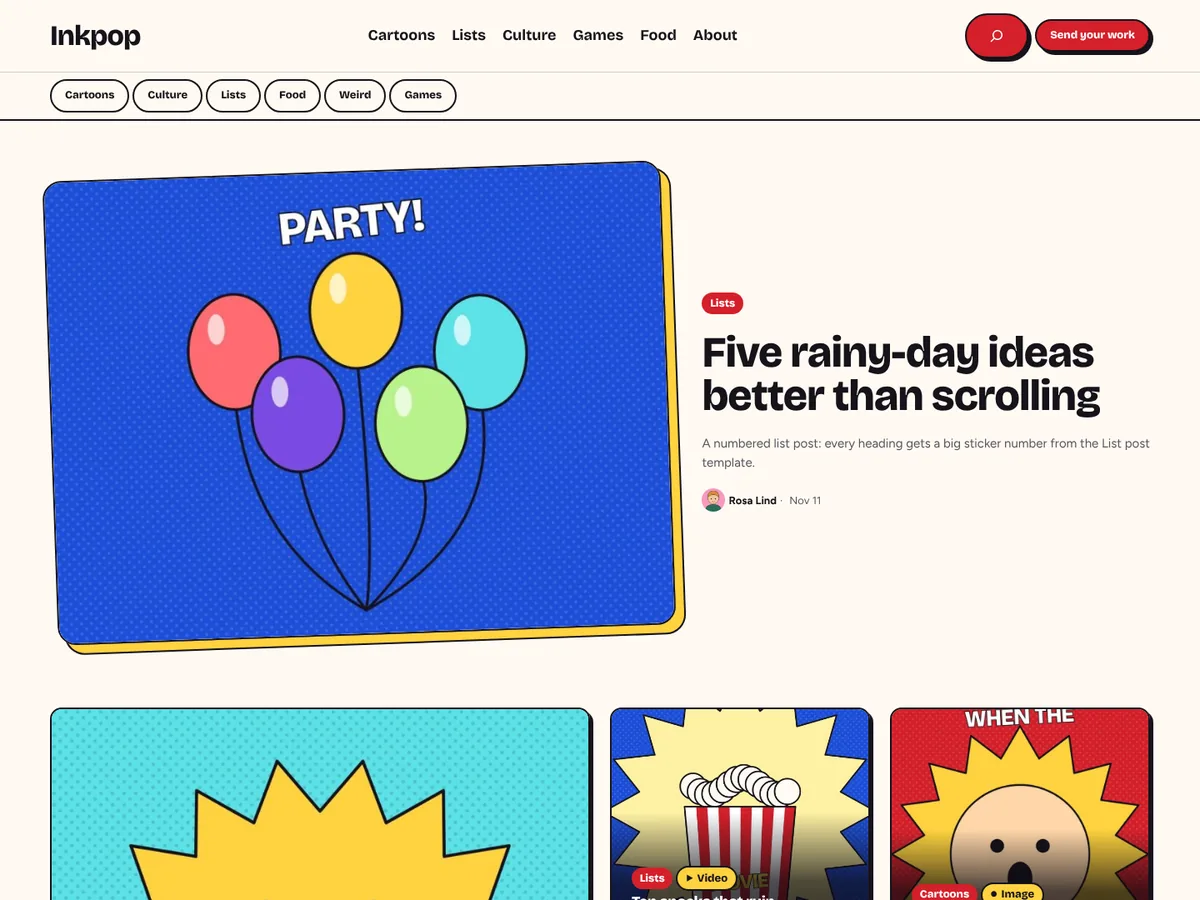
Made for stories people pass on
Publish posts with a featured image and pick a format. AriMag builds the front page, and each section starts where the one before it stopped, so the cover, mosaic and fresh grid never show the same story twice.
Formats that fill whole sections
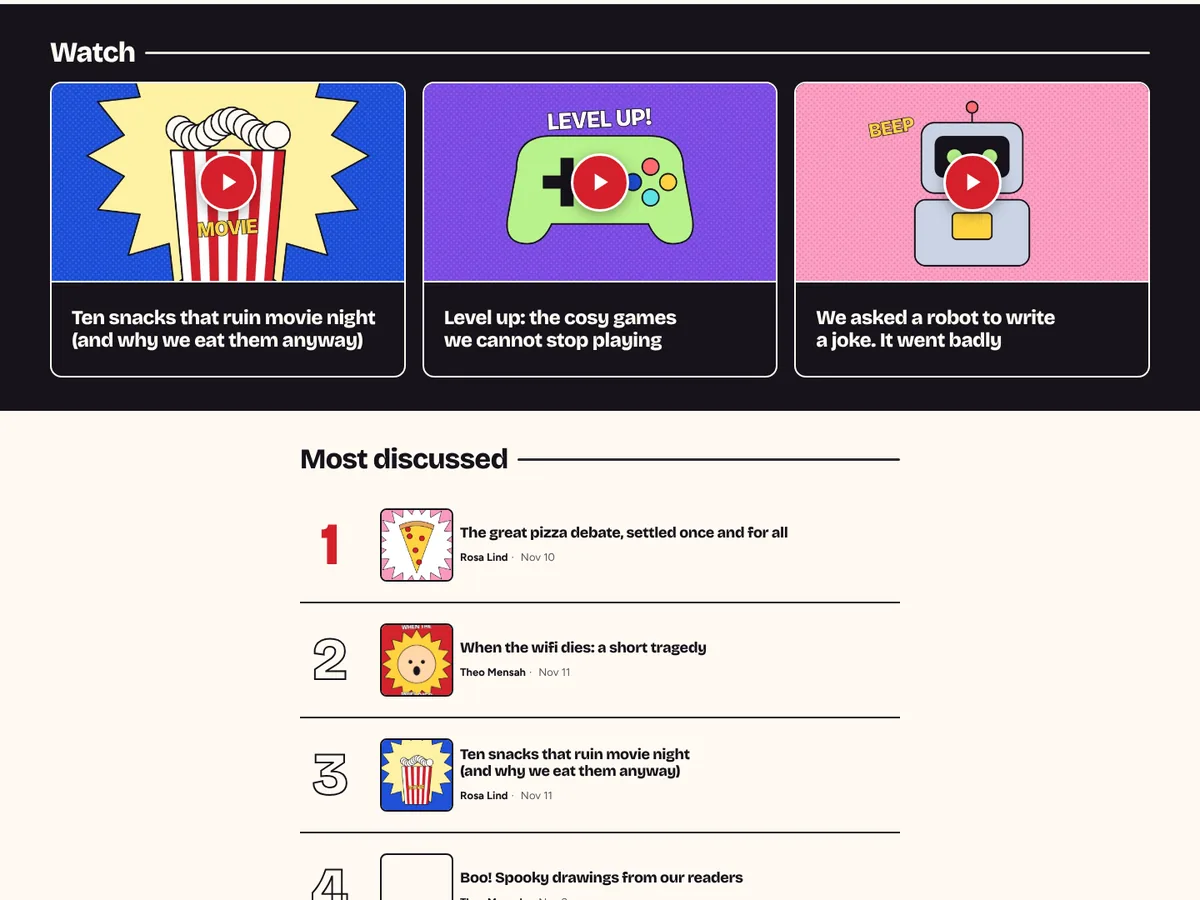
Give a post the Video format and it appears in a dark “Watch” band with a play mark on its picture. Your six biggest categories become colourful tiles, a fresh grid shows new stories on sticker cards, and “Most discussed” ranks the posts with the most comments. Every card carries its category and a format badge.
An image wall for cartoons and memes
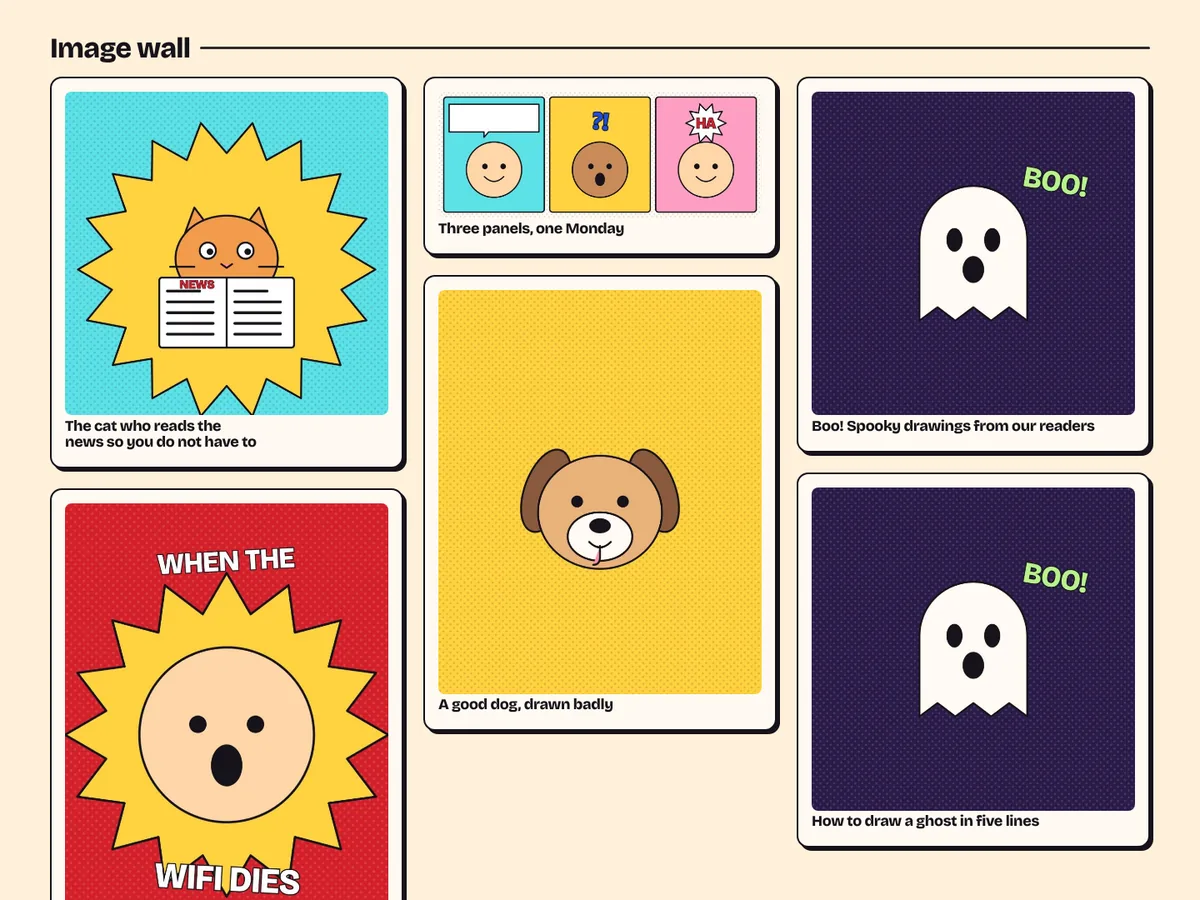
Posts with the Image format land in a column wall that keeps each picture in its own shape: tall comics stay tall, wide strips stay wide. Gallery posts become tall picture tiles. On a single post, a cartoon that is also the featured image is shown once, not twice.
List posts with big numbers
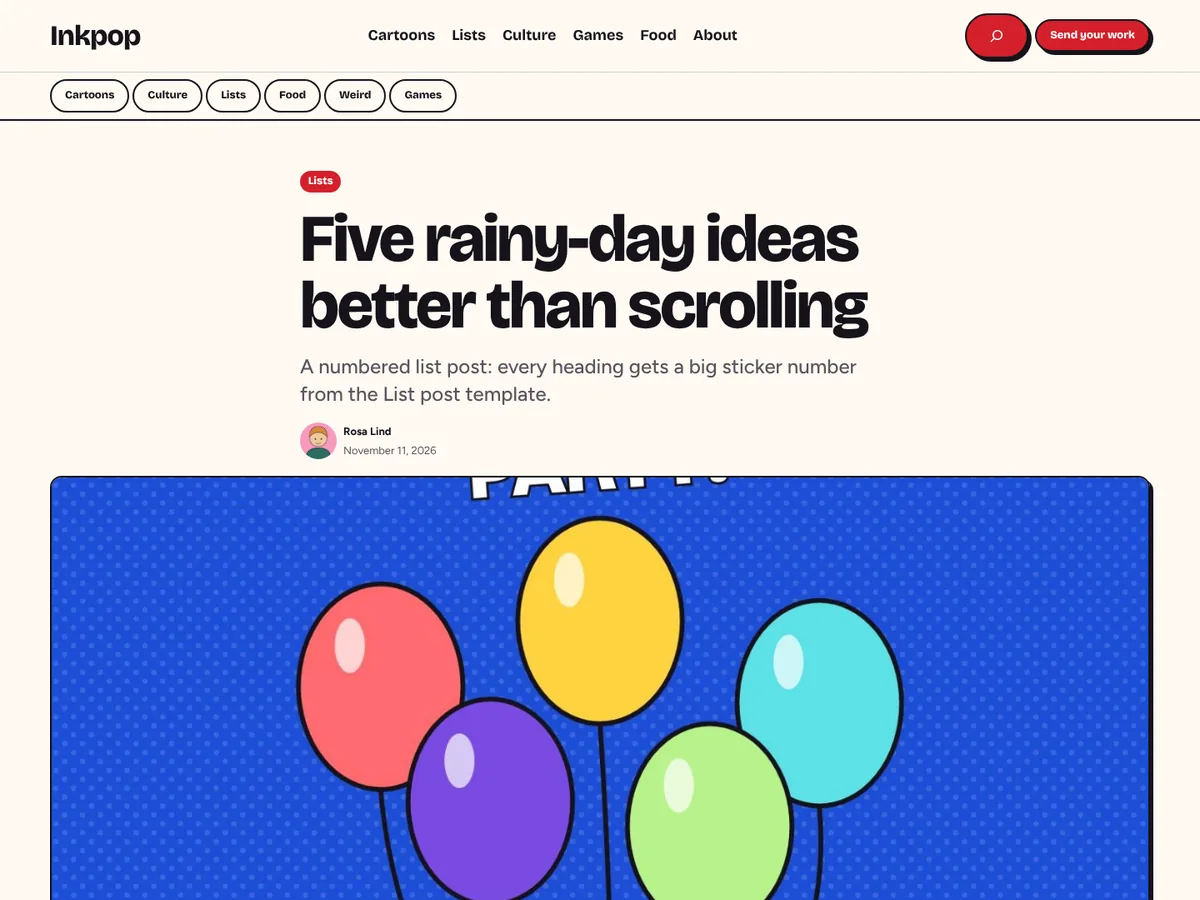
Write a top-10 with a heading for each item, choose the “List post (numbered)” template and every heading gets a big sticker number. Two more story templates are included: a gallery post where pictures run wider than the text, and a big-cover story where the featured image fills the screen behind the headline.
Good on phones
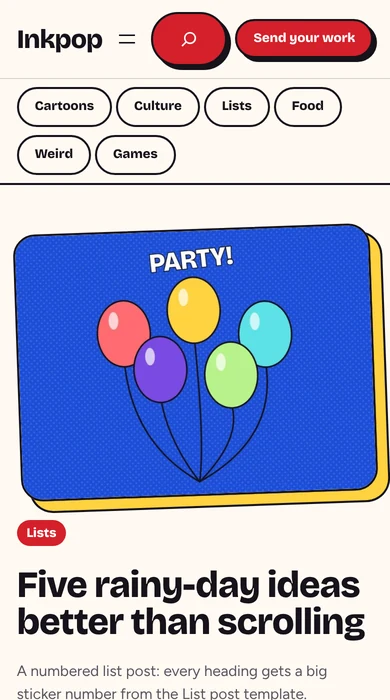
Most readers arrive from a share on their phone. The cover, cards and walls stack into one column, the topic buttons stay within reach and long headlines never push the page sideways.
Change the mood in one click
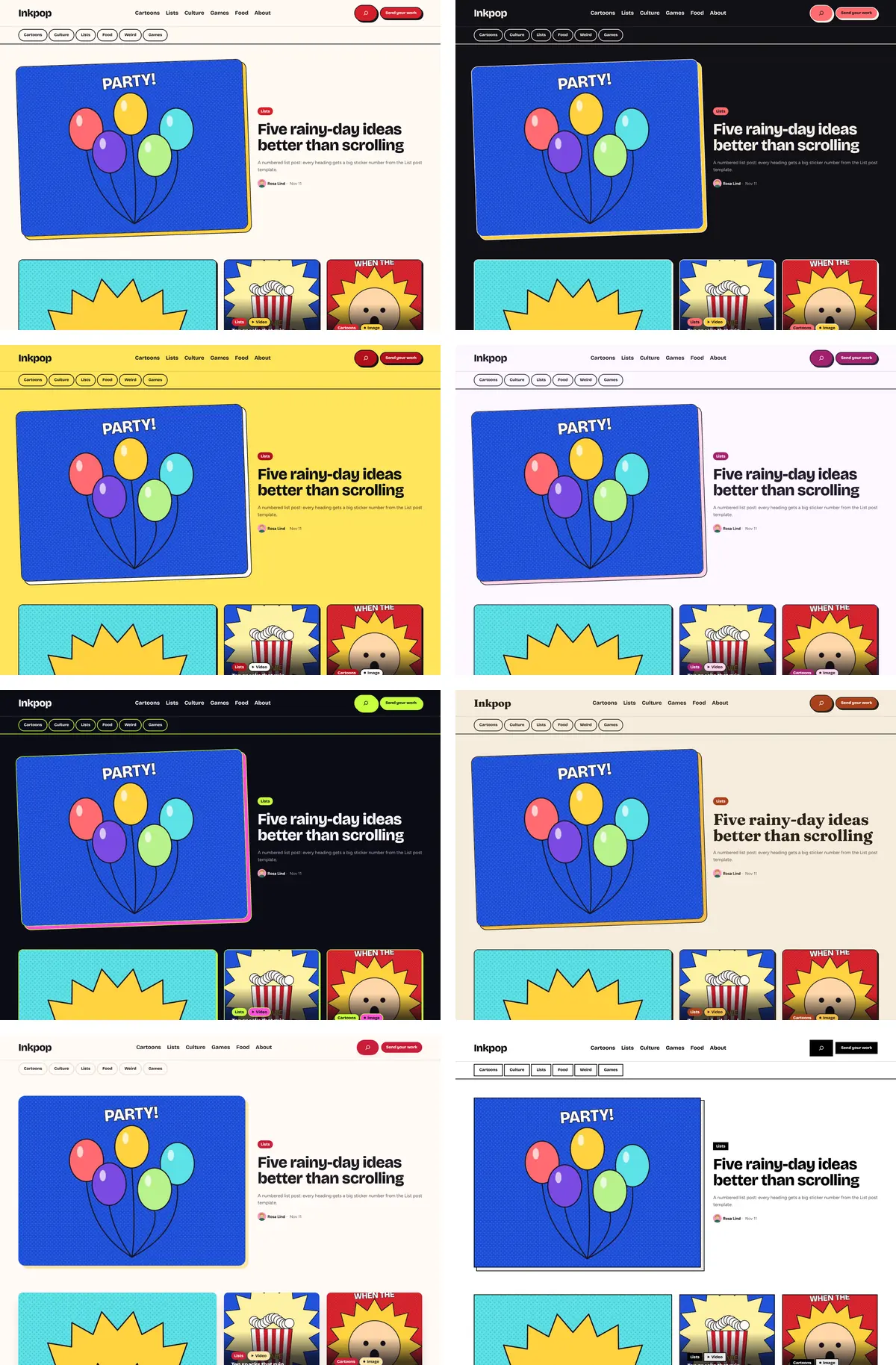
Pick a style under Appearance → Editor → Styles. The default is red on cream. Night is dark, Comic has yellow pages, Retro has serif headlines, Soft drops the ink borders and Mono goes flat. Every look passes our automated contrast checks at WCAG AA.
Build any page from blocks
Find them in the block inserter under AriMag, next to five starter pages: two front pages, about, send us your work and advertise.
Loud on the outside, tidy inside
Fourteen templates
Front page, standard post, list post, gallery post, big-cover story, author page, archive, search results, four page layouts, a blog index and a helpful 404 page.
Three headers, two footers
A standard, a centered and a dark header. The “Send your work” button links to your page at /submit/ and stays hidden until that page exists.
Ad slots that keep their space
A leaderboard, a rectangle and a slot inside posts reserve their size, so the page does not jump when an ad loads. AriMag loads no ad network itself.
Type with attitude
Bricolage Grotesque for headlines, Figtree for text and Fraunces for the Retro look, all stored in the theme, so no visitor data goes to Google Fonts.
Accessible by default
A clear focus outline, a skip link, headings in the right order, cards with one large link each and readable contrast in every look.
Light and fast
No page builder, no jQuery and no theme script on your public pages. The sticker borders, shadows and tilts are plain CSS.
From install to first cover in four steps
- Install and activate AriMag under Appearance → Themes.
- Create categories such as Cartoons, Lists, Culture and Games, and add them to your menu under Appearance → Editor → Navigation.
- When you write a post, choose its format in the post settings: Video, Gallery or Image fill the matching sections.
- Add the Send us your work starter page at the address /submit/ to switch on the header button.
How we test AriMag
Every release is tested on the current WordPress version with the official Theme Unit Test content and the Theme Check plugin. We open every section and template in the editor to make sure no block breaks, check every page at phone and desktop width, and run an accessibility scan in every look.
What to expect
A first release
AriMag is at version 0.1.0. We send our themes to the WordPress.org Themes Team one at a time; AriMag follows AriNova and AriNews.
Reactions, voting and share buttons are plugins
Those features should keep working if you change themes, so AriMag leaves them to plugins and styles the content they add.
Most discussed counts comments, not views
WordPress does not count page views, and a theme should not track readers, so the ranking uses the number of approved comments.
Format sections wait for posts
The Watch band, gallery tiles and image wall stay hidden from visitors until at least one post uses their format. Logged-in editors see a short note in their place.
Coming soon on WordPress.org
AriMag will be free to install straight from your WordPress dashboard under Appearance → Themes → Add New. Leave your email and we will tell you the day it is live.
Frequently asked
Which WordPress and PHP versions does it need?
WordPress 6.6 or newer and PHP 7.4 or newer. We test it on the current WordPress release, 7.1.
Is AriMag free?
Yes. The theme is free and licensed under GPLv2 or later, like WordPress itself.
How is AriMag different from AriNews and AriNova?
AriNews is a dense news portal and AriNova a light editorial theme; both lead with headlines. AriMag leads with pictures: big framed images, sticker cards and sections driven by post formats.
How do the Video, Gallery and Image sections work?
Each shows your newest posts with that format. Open a post, find Format in the post settings and choose Video, Gallery or Image. A section stays hidden from visitors until at least one post uses its format.
How is Most discussed ranked?
By the number of approved comments, newest first when two posts have the same number. In the editor the section previews your newest posts; the ranking appears on the live site.
How do I show editor's picks?
Open a post and choose “Stick to the top of the blog” in the post settings. Sticky posts appear in Editor's picks, not at the top of every section.
Does it load Google Fonts?
No. Bricolage Grotesque, Figtree and Fraunces are stored inside the theme and served from your own site, so no visitor data goes to Google or any other server.
Is there a dark mode?
Yes. Choose the Night look under Appearance → Editor → Styles. It changes the whole site.
Will my posts stay if I change theme later?
Yes. Your posts belong to WordPress. AriMag adds no custom post types or shortcodes, so nothing is left behind if you switch.
Can I translate it?
Yes. All texts are translatable and the theme includes a translation template. Once AriMag is on WordPress.org, volunteers can translate it there and WordPress installs the language packs for you.