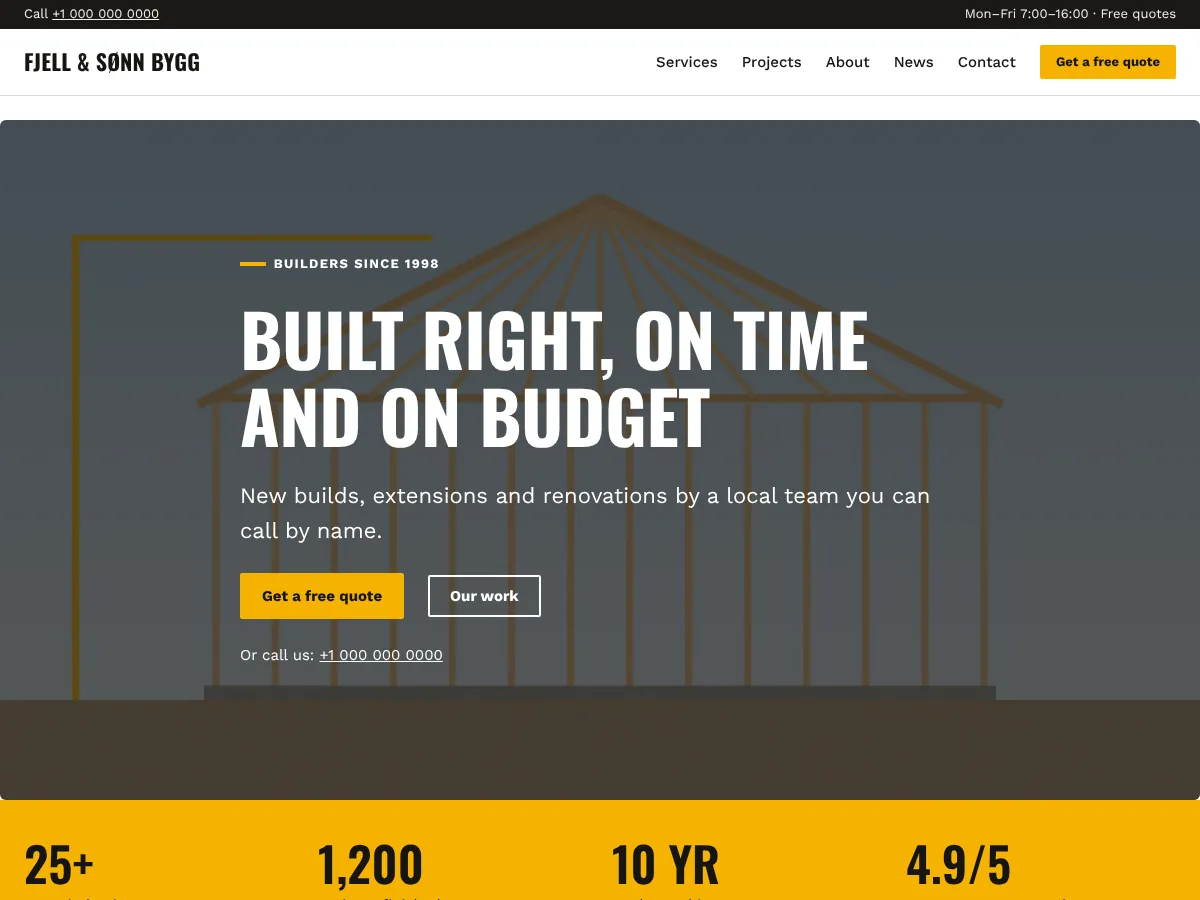
Everything a customer checks before they call
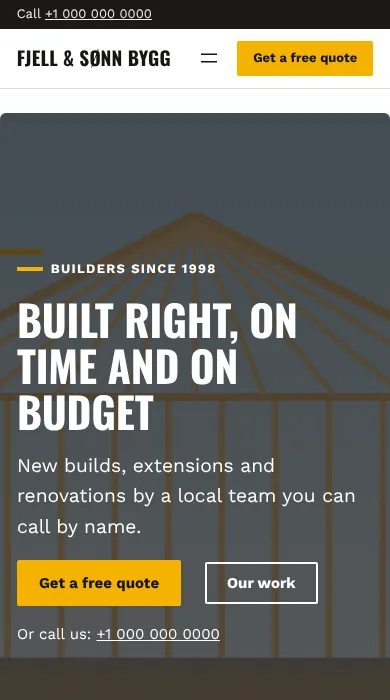
What do you do, what have you built, can I trust you and how do I reach you? AriBuild answers each of those with a section, in the order people look.
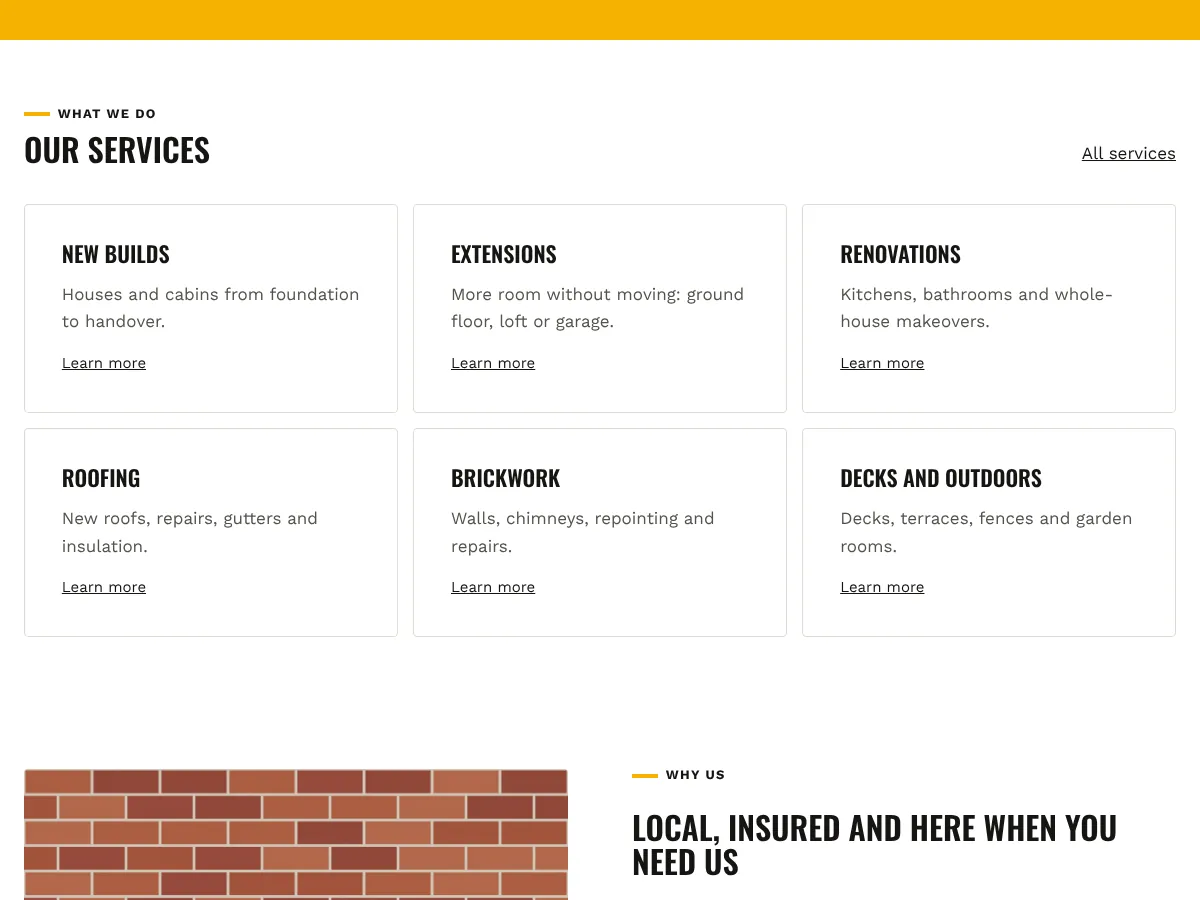
Services, laid out plainly
Six services in cards, or three with photos, each linking to its own page. Bold condensed headings and plenty of white space make the list easy to scan on a phone at the end of a long day.
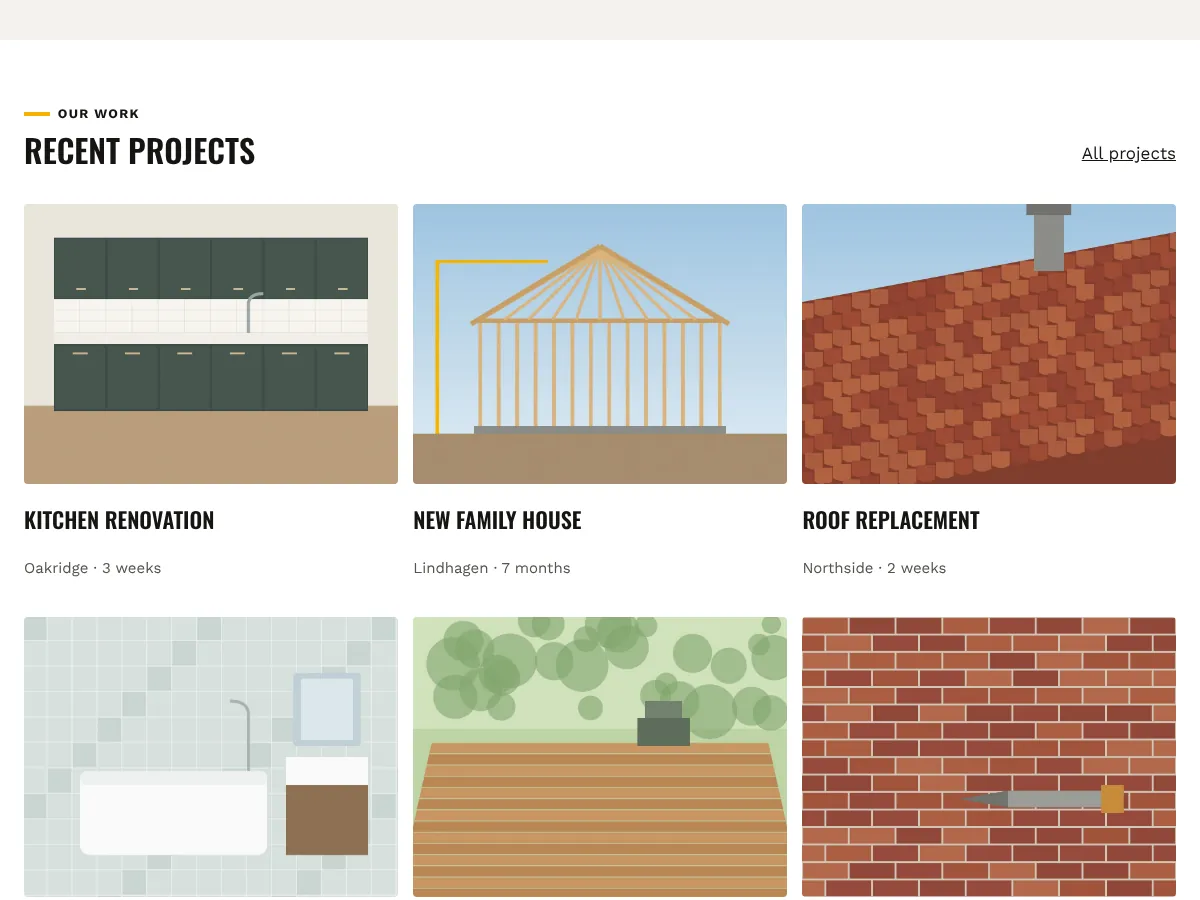
Finished work, front and centre
A grid of recent projects with photo, area and how long the job took, and a featured project with its location, size, duration and services. Nothing sells a builder like finished work.
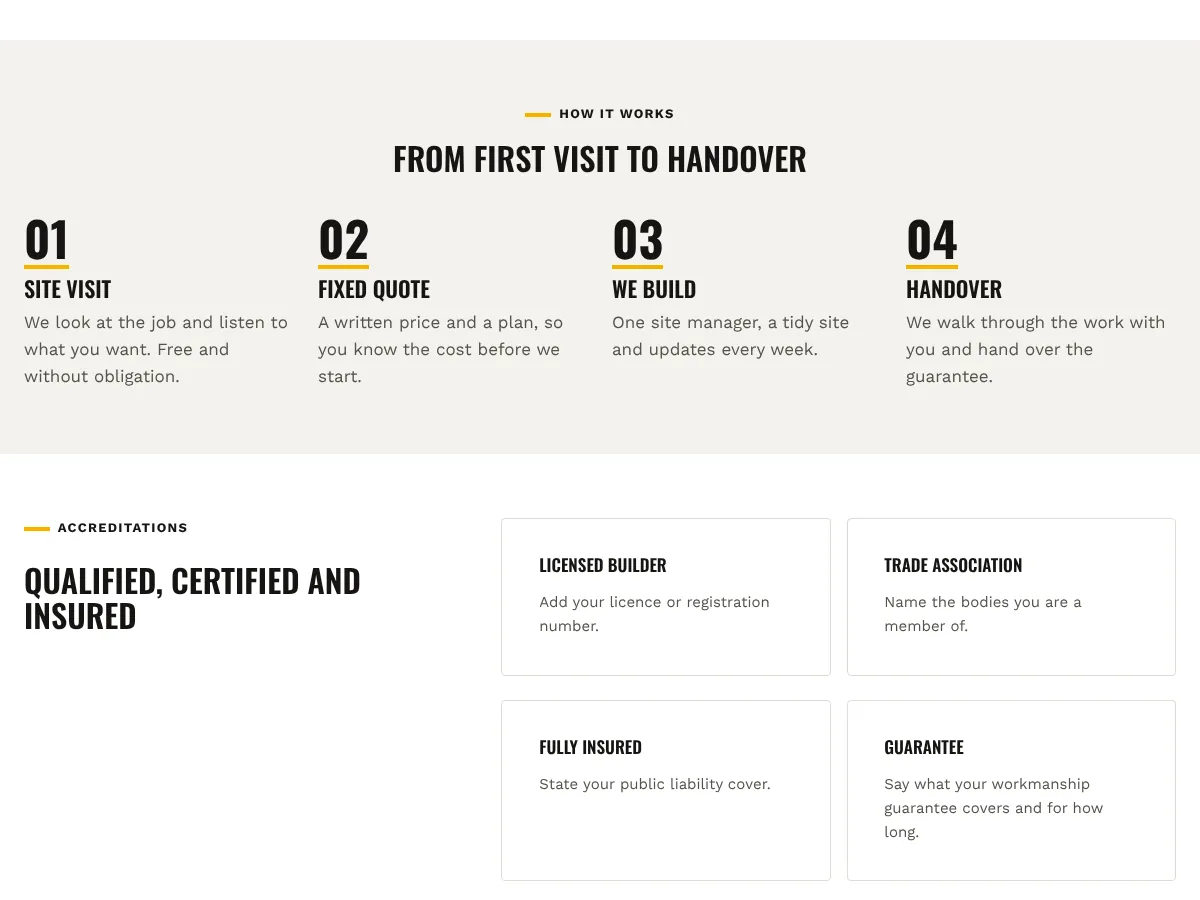
Proof that you do it properly
Four clear steps from site visit to handover, cards for your licence, trade association, insurance and guarantee, customer reviews, and a bright band of numbers such as years in business and projects finished.
Easy to reach, even on a phone
The phone number in the top bar is a tap-to-call link, the quote button stays in the header, and the contact page shows your yard address, the areas you cover and an emergency call-out band if you offer one.
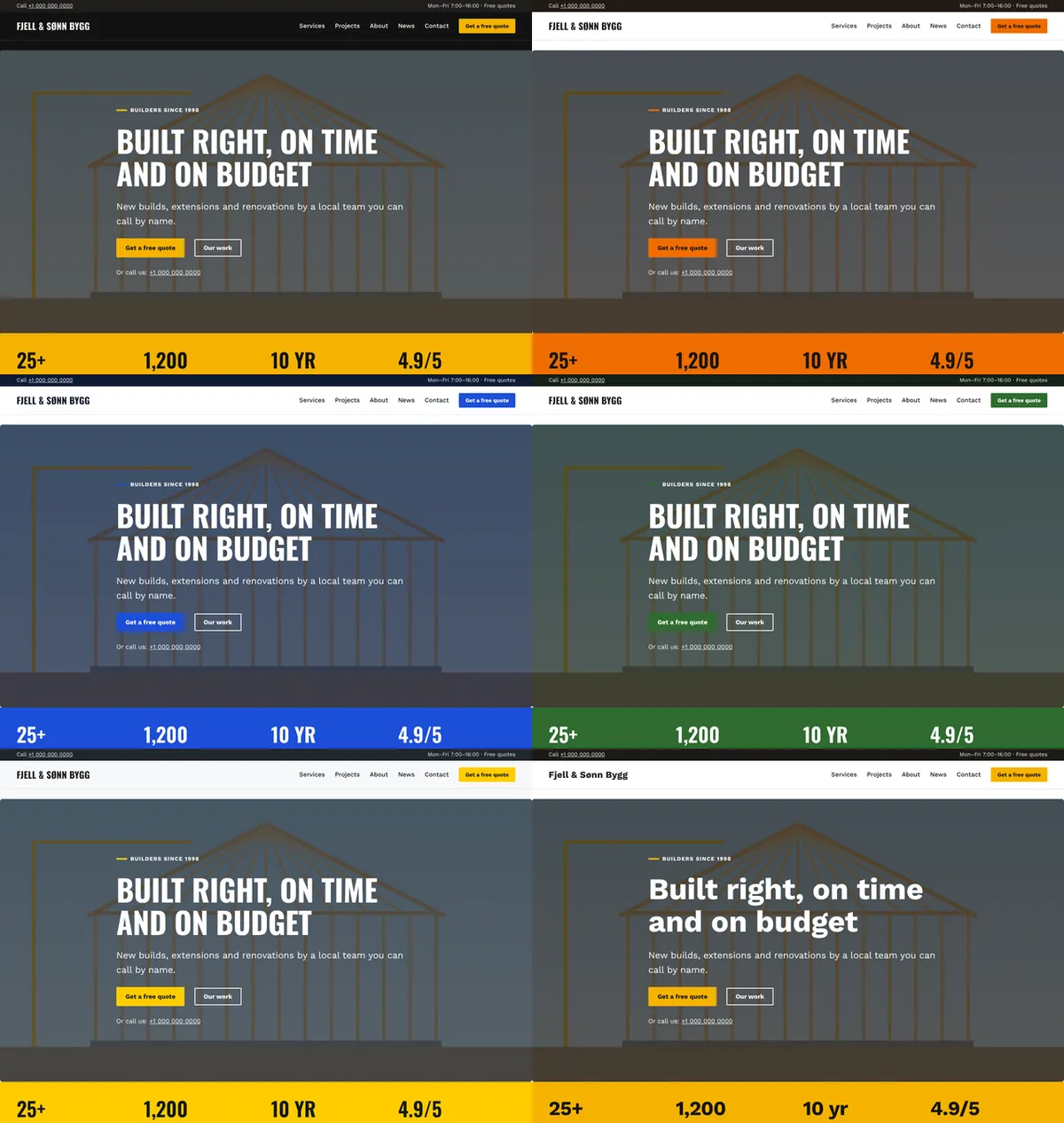
Match your van and your workwear
Pick a style under Appearance → Editor → Styles. Night is a dark style, Classic swaps the capital headings for calmer sentence case, and the rest change the brand colour: safety orange, trade blue, green and steel. Every style keeps text at WCAG AA contrast or better.
Build any page from blocks
Find them in the block inserter under AriBuild.
Sturdy, fast and nothing extra to install
Phone on every page
A slim top bar with a tap-to-call number and your hours, above a sticky header with a “Get a free quote” button.
Nine templates
Home, post, page, wide page, landing page without a title, blank canvas, archive, search results and a helpful 404 page.
Oswald and Work Sans
Strong condensed headings and a sturdy text font, both stored in the theme, so no visitor data goes to Google Fonts.
Yellow you can read
Safety yellow is used for buttons, bands and bars, never for small text on white. Links and focus outlines use the text colour, so everything stays readable.
Illustrations you may use
The sections use job site and team illustrations we drew for the theme, under the GPL. Swap in photos of your own work whenever you like.
Light and fast
No page builder, no jQuery and no theme script. Fast on a weak mobile signal in a customer's driveway.
From install to first enquiry in four steps
- Install and activate AriBuild under Appearance → Themes.
- Put your phone number and hours in the top bar under Appearance → Editor → Patterns → Header.
- Add pages from the starter pages: home, services, projects, about and contact.
- Swap in photos of your own work and point the quote buttons at your contact page.
How we test AriBuild
Every release is tested on the current WordPress version with the official Theme Unit Test content and the Theme Check plugin. We open every section and template in the editor to make sure no block breaks, check every page at phone and desktop width, and run an accessibility scan on every starter page in all seven styles.
What to expect
A first release
AriBuild is at version 0.1.0. We send our themes to the WordPress.org Themes Team one at a time; AriBuild follows AriNova, AriPress, AriJournal, AriOak, AriVolt, AriShop and AriFolio.
The quote form comes from a plugin
The contact section has room for a quote form, but a theme should not collect data. Add the form block from the plugin you use, such as our AriForms.
Your proof must be real
The numbers, reviews and accreditations in the sections are examples. Replace them with your own, and only show certificates and figures you can back up.
Coming in AriBuild Pro
Project timeline, team and certification page layouts. These are planned, not built yet. Everything on this page is in the free theme.
Coming soon on WordPress.org
AriBuild will be free to install straight from your WordPress dashboard under Appearance → Themes → Add New. Leave your email and we will tell you the day it is live.
Frequently asked
Which WordPress and PHP versions does it need?
WordPress 6.6 or newer and PHP 7.4 or newer. We test it on the current WordPress release, 7.1.
Is AriBuild free?
Yes. The theme is free and licensed under GPLv2 or later, like WordPress itself. AriBuild Pro is planned as a separate add-on; the free theme will never lose features to it.
Who is AriBuild for?
Builders, carpenters, roofers, electricians, plumbers, painters, landscapers, renovation companies and any trade business that wins work through quotes and phone calls.
How do I change the phone number at the top?
Go to Appearance → Editor → Patterns → Header and edit the top bar. The number is a link, so change both the text and the link.
How is AriBuild different from AriOak?
AriOak is calm and quiet, made for law firms and advisers. AriBuild is bold and practical, with a phone top bar, quote buttons, projects, service areas and an emergency call-out band.
Can I show before and after photos?
Yes. Put two Image blocks in a Columns block, one before and one after, in any page or post.
Does it load Google Fonts?
No. Oswald and Work Sans are stored inside the theme and served from your own site, so no visitor data goes to Google or any other server.
Is there a dark mode?
Yes. Choose the Night style under Appearance → Editor → Styles. It changes the whole site.
Will my pages stay if I change theme later?
Yes. Your pages and posts belong to WordPress. AriBuild adds no custom post types or shortcodes, so nothing is left behind if you switch.
Can I translate it?
Yes. All texts are translatable and the theme includes a translation template. Once AriBuild is on WordPress.org, volunteers can translate it there and WordPress installs the language packs for you.