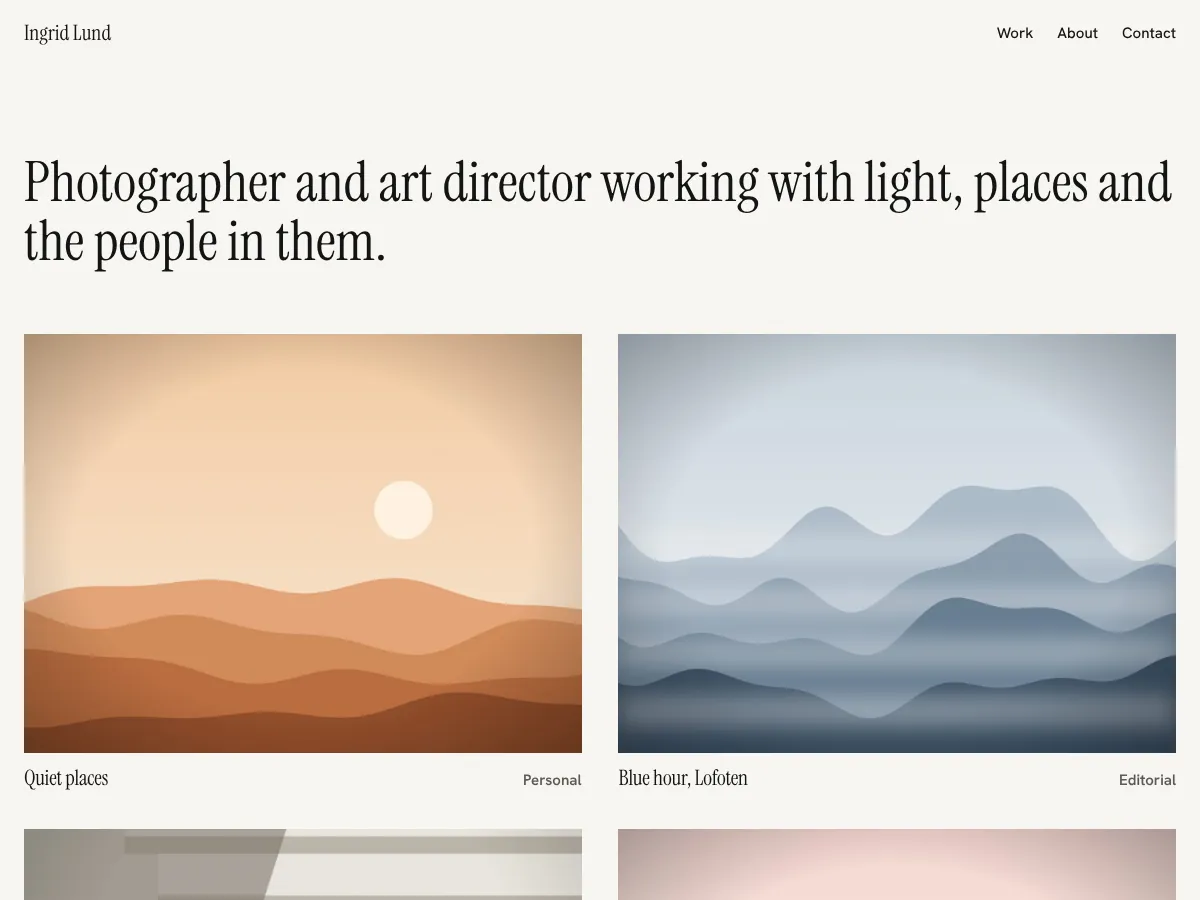
A portfolio that feels like a printed book
Write a post, add a featured image and a category, and it appears in your work grid. No portfolio plugin, no custom post types to lose if you ever switch theme.
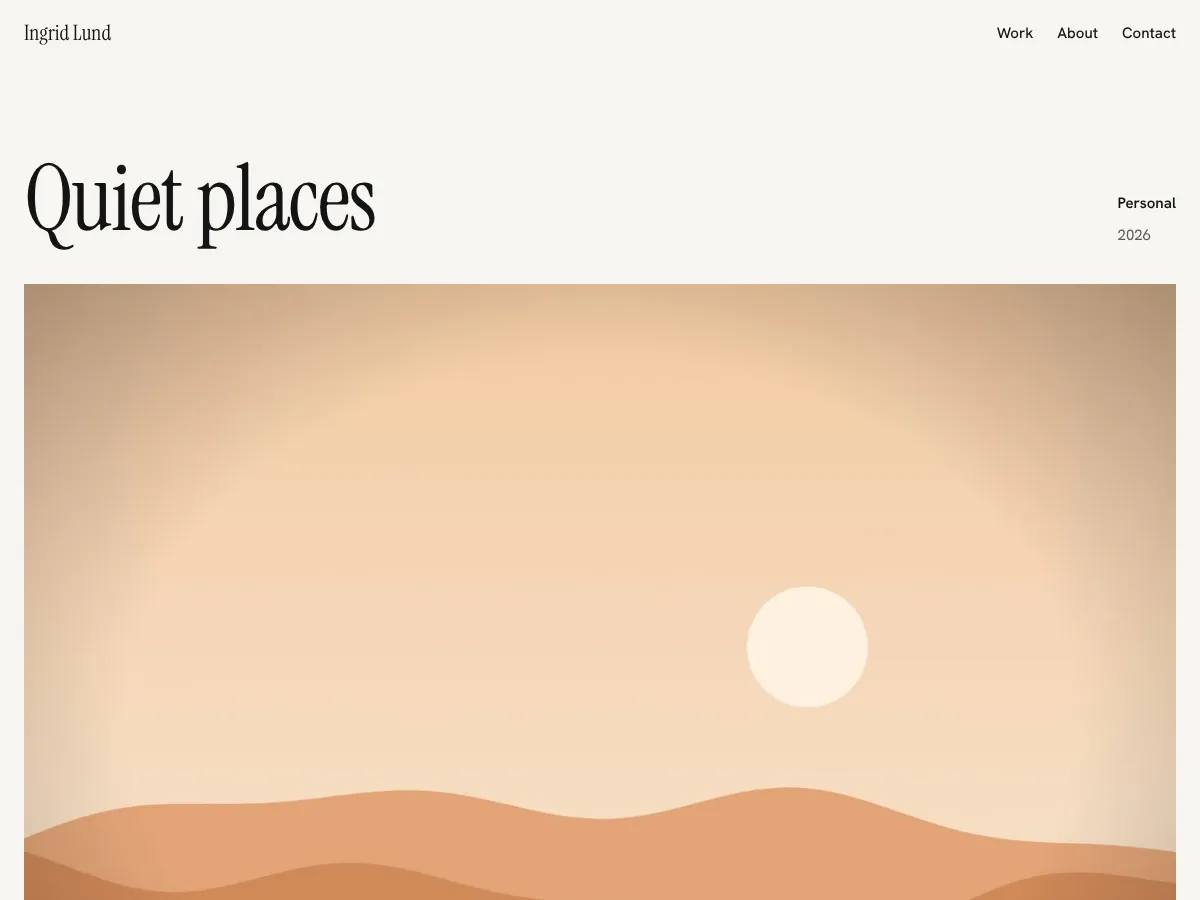
Project pages with room to breathe
A large title, the category and year, then the photo at full width. Start a new project from the ready-made project layout: an introduction with client, year, role and location, full-width photos, an image pair, a gallery, a quote and credits.
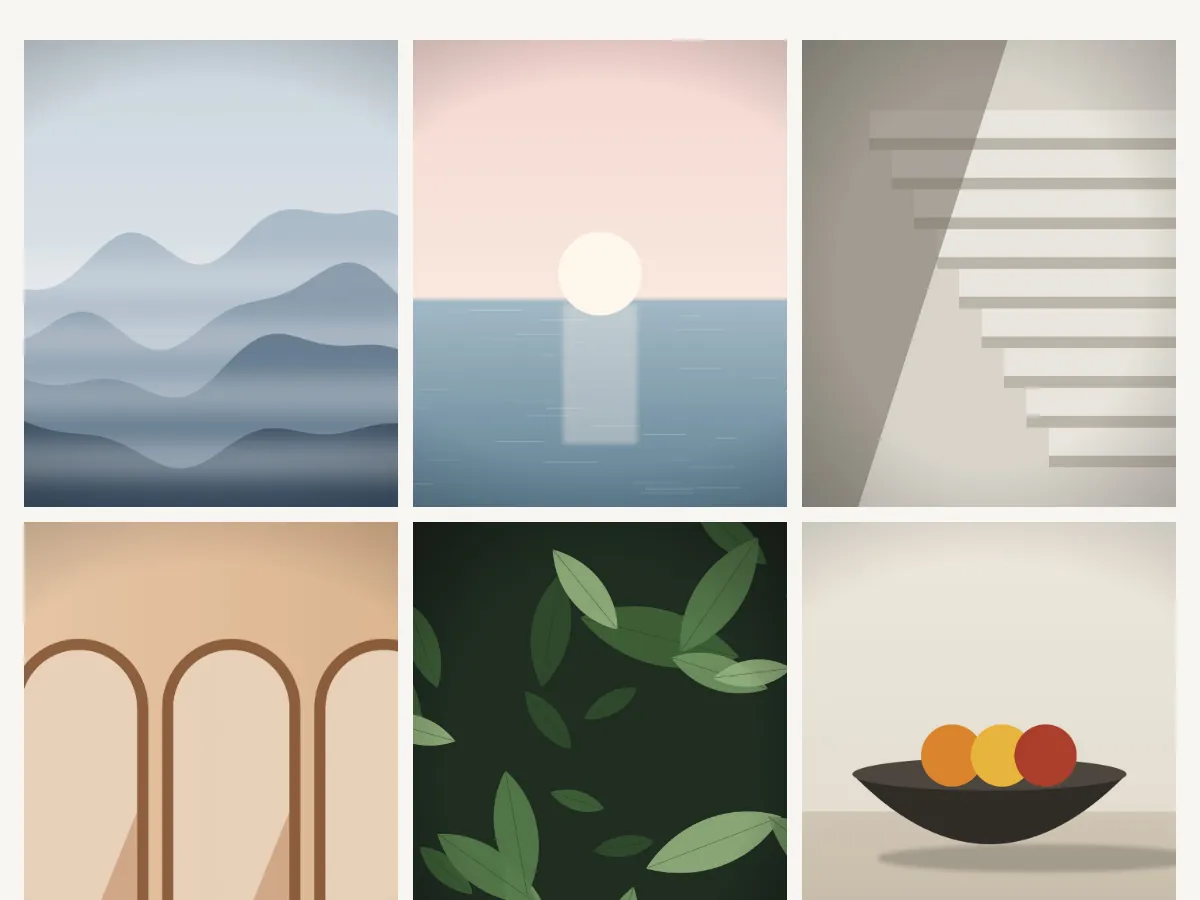
Galleries that keep a steady rhythm
A three-column gallery, a mixed magazine-style spread, full-width photos with captions and side-by-side pairs. All of them are core WordPress blocks, so they keep working whatever you do next.
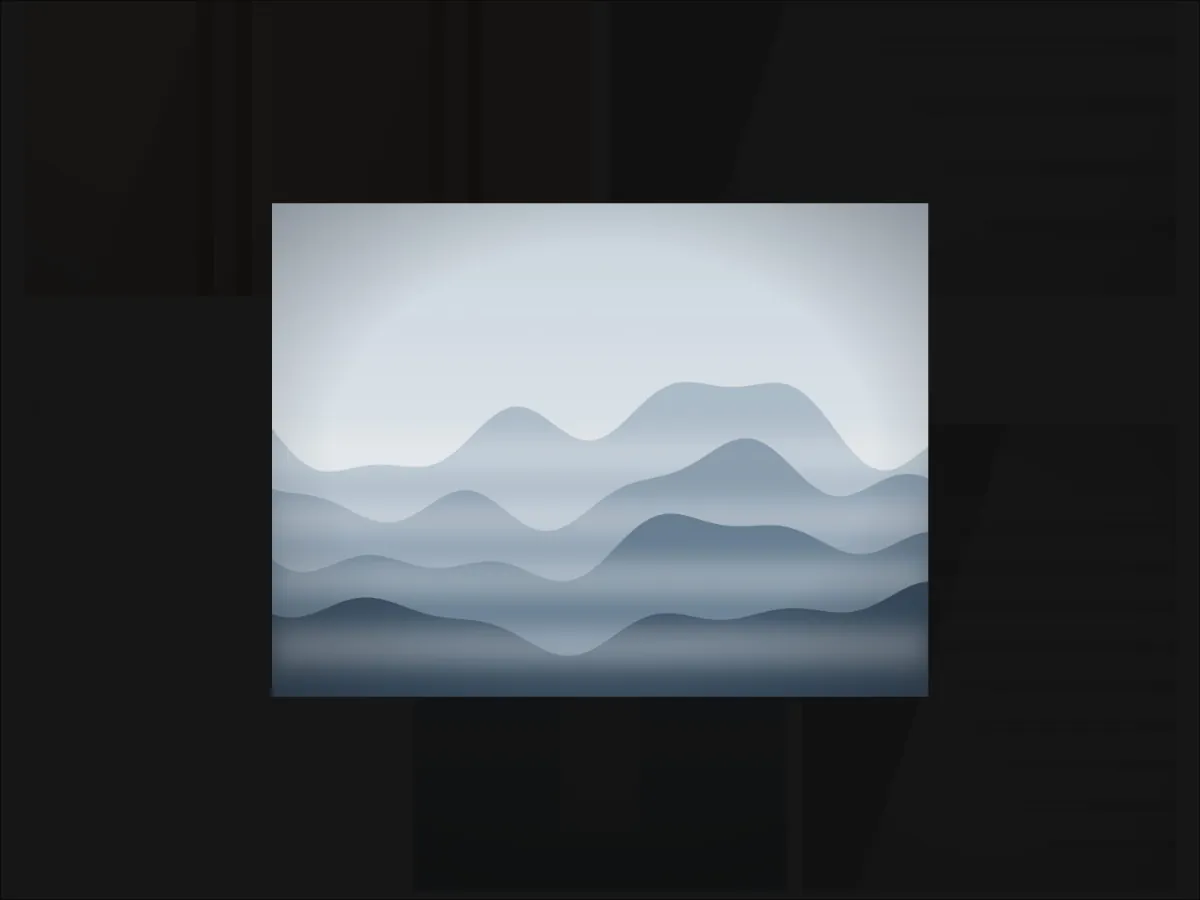
Every photo opens full screen
Click any image to see it large on a dark background, and step through a gallery with the arrows. It is the viewer built into WordPress, so it works with the keyboard and screen readers, and AriFolio always shows the whole photo, even when the gallery crops it.
Good on phones
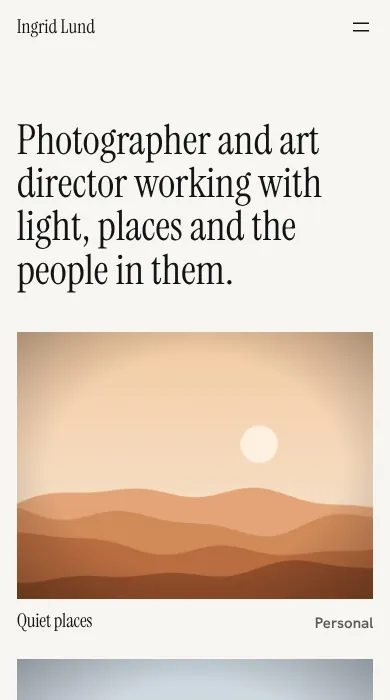
Art directors often look at portfolios on a phone between meetings. Photos stack into one column at full width, and the statement and titles stay easy to read.
Set the mood for your work
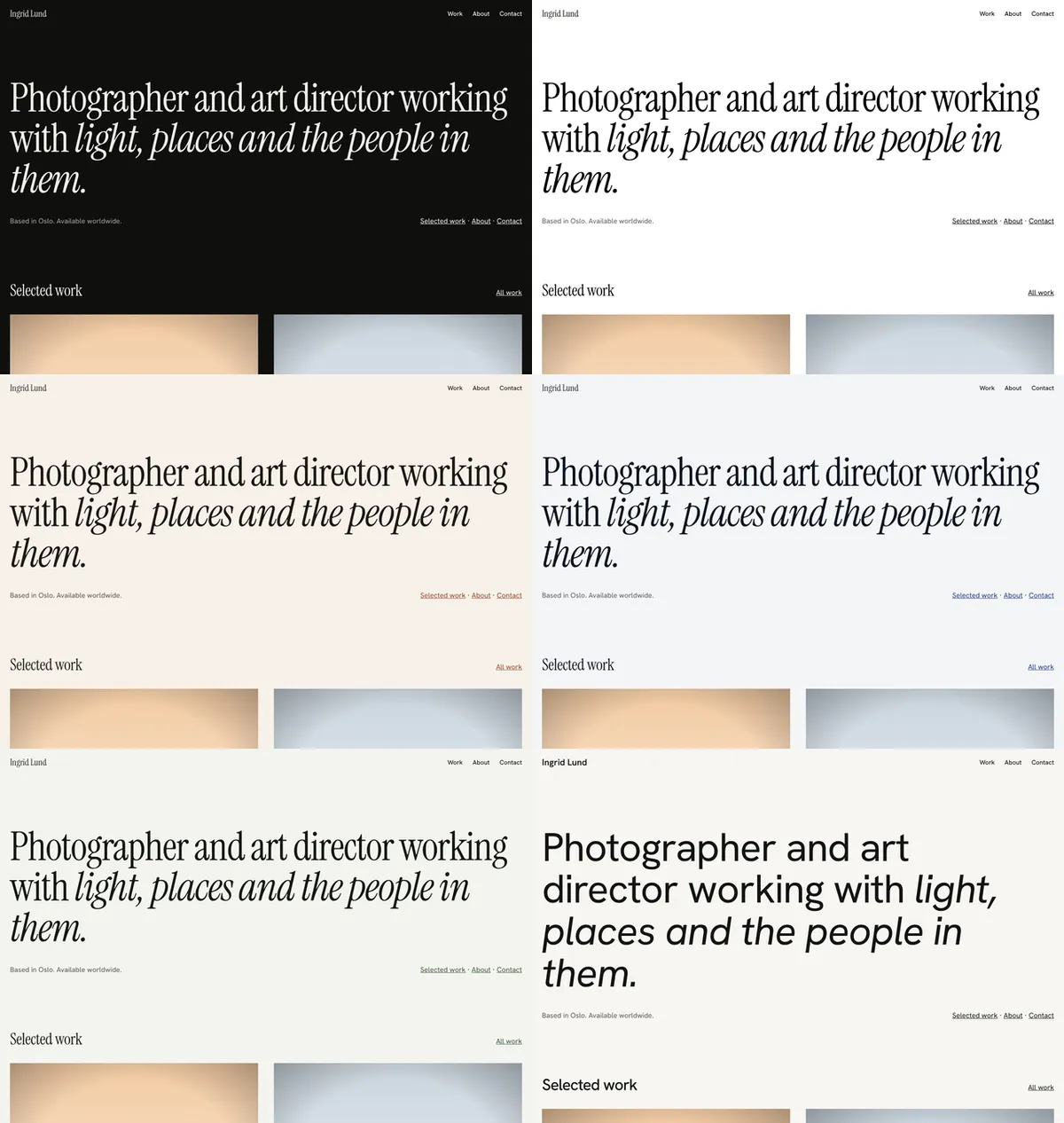
Pick a style under Appearance → Editor → Styles. Darkroom is a dark style that makes photos glow, White cube is a pure white gallery wall, Sans swaps the serif for a clean grotesque, and the rest add a quiet colour. Every style keeps text at WCAG AA contrast or better.
Build any page from blocks
Find them in the block inserter under AriFolio.
Quiet, fast and nothing extra to install
A text index of your work
Besides the image grids, an index lists every project as a line with its category and year, the way a printed book's contents page does.
Your statement up front
The site tagline appears in large serif type above your work, so visitors know who you are before they scroll.
Instrument Serif and Hanken Grotesk
An elegant serif for titles and a clear sans for text, both stored in the theme, so no visitor data goes to Google Fonts.
Accessible by default
A clear focus outline, a skip link, descriptive image text in every section and readable contrast in all seven styles.
Your photos stay yours
Projects are ordinary posts and photos live in your media library. Switch theme later and nothing is lost or locked away.
Light and fast
No page builder, no jQuery and no theme script. WordPress loads responsive image sizes, so phones never download your largest files.
From install to portfolio in four steps
- Install and activate AriFolio under Appearance → Themes.
- Write your statement as the site tagline under Settings → General.
- Add each project as a post with a category and a featured image. Pick the Project layout pattern to start.
- Add a page with the Portfolio home page starter and set it as your home page under Settings → Reading.
How we test AriFolio
Every release is tested on the current WordPress version with the official Theme Unit Test content and the Theme Check plugin. We open every section and template in the editor to make sure no block breaks, check every page at phone and desktop width, run an accessibility scan in all seven styles, and open the full-screen viewer with the keyboard.
What to expect
A first release
AriFolio is at version 0.1.0. We send our themes to the WordPress.org Themes Team one at a time; AriFolio follows AriNova, AriPress, AriJournal, AriOak, AriVolt and AriShop.
Projects are posts
AriFolio uses ordinary posts for projects, so your work is never locked into the theme. If you also want a blog, use a category for it and a separate page for each.
No client proofing or print sales
The theme shows your work. Selling prints or sharing private galleries with clients needs a plugin or service made for that.
Coming in AriFolio Pro
Client-proofing and case-study layouts and more gallery styles. These are planned, not built yet. Everything on this page is in the free theme.
Coming soon on WordPress.org
AriFolio will be free to install straight from your WordPress dashboard under Appearance → Themes → Add New. Leave your email and we will tell you the day it is live.
Frequently asked
Which WordPress and PHP versions does it need?
WordPress 6.6 or newer and PHP 7.4 or newer. We test it on the current WordPress release, 7.1.
Is AriFolio free?
Yes. The theme is free and licensed under GPLv2 or later, like WordPress itself. AriFolio Pro is planned as a separate add-on; the free theme will never lose features to it.
Who is AriFolio for?
Photographers, designers, illustrators, architects, artists and studios: anyone whose work is best shown in pictures.
How do I add a project?
Write a new post, give it a category such as Editorial or Commercial, and set a featured image. Pick “Project layout” from the patterns to start with an introduction, photos, a gallery and credits.
Can I turn off the full-screen view?
Yes. Select any image and switch off “Expand on click” in its settings. You can also turn it off for all images under Appearance → Editor → Styles → Blocks → Image.
What size should my photos be?
Upload them at least 2000 pixels wide. WordPress makes smaller copies for phones and grids, and the full-screen view uses the large one.
Does it load Google Fonts?
No. Instrument Serif and Hanken Grotesk are stored inside the theme and served from your own site, so no visitor data goes to Google or any other server.
Is there a dark mode?
Yes. Choose the Darkroom style under Appearance → Editor → Styles. It changes the whole site.
Will my work stay if I change theme later?
Yes. Projects are posts and photos sit in your media library. AriFolio adds no custom post types or shortcodes, so nothing is left behind if you switch.
Can I translate it?
Yes. All texts are translatable and the theme includes a translation template. Once AriFolio is on WordPress.org, volunteers can translate it there and WordPress installs the language packs for you.