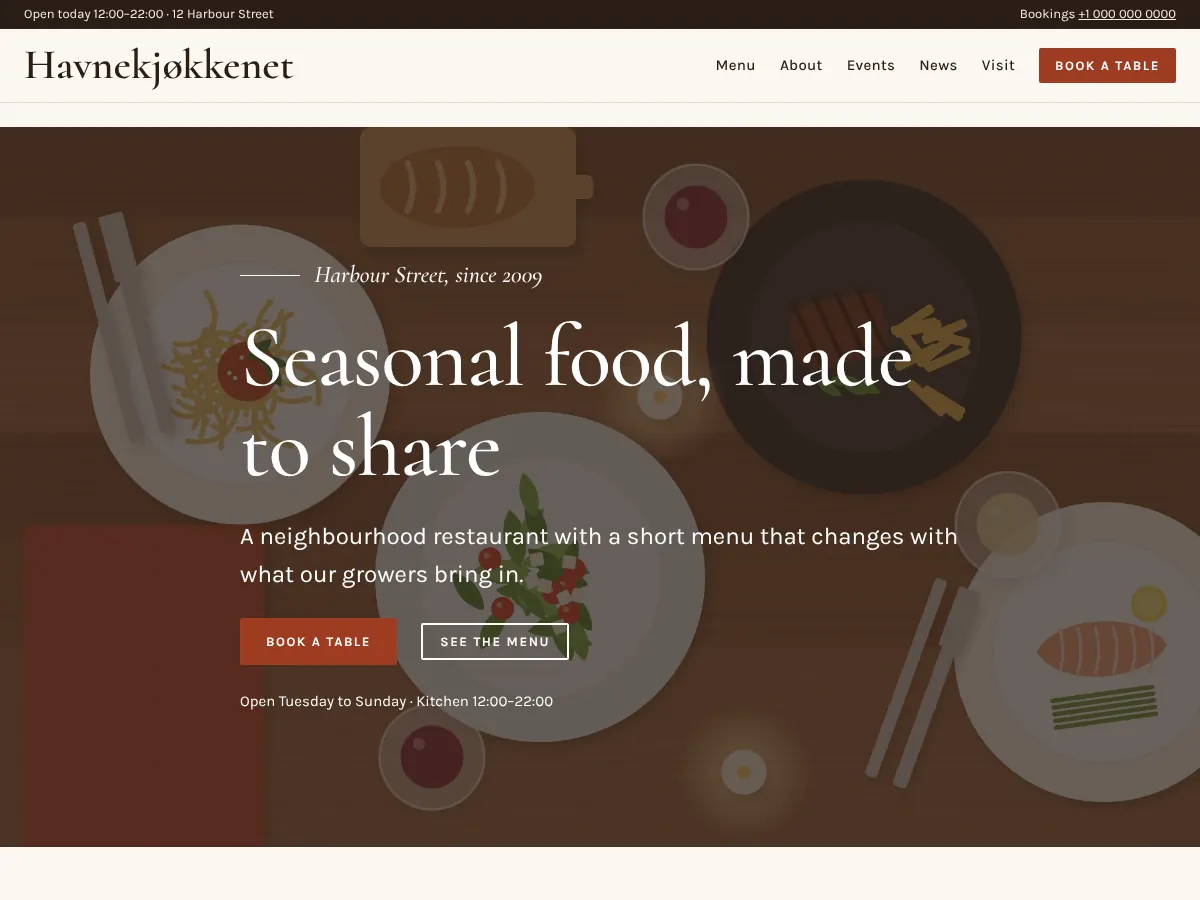
Everything a hungry guest checks on a phone
What is on the menu, what does it cost, are you open tonight and how do I get there? AriDine answers each of those in a section you edit like any other text.
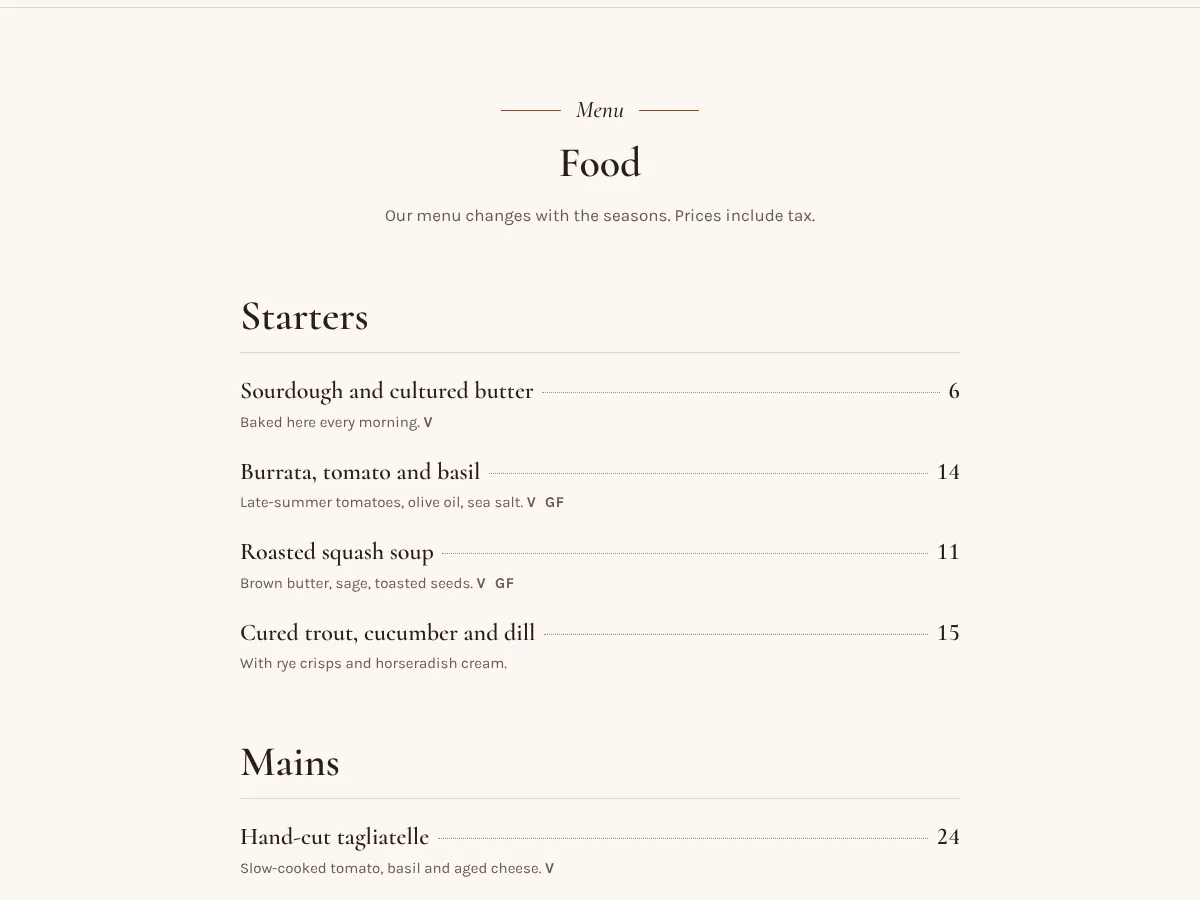
Menus that read like menus
Starters, mains and desserts with a dotted line to each price, a short description and labels for vegetarian, vegan and gluten-free dishes, with a line under the menu that spells them out. Every dish is normal blocks, so a new price is one click away. There is also a two-column menu, a wine list with glass and bottle prices, and a tasting menu.
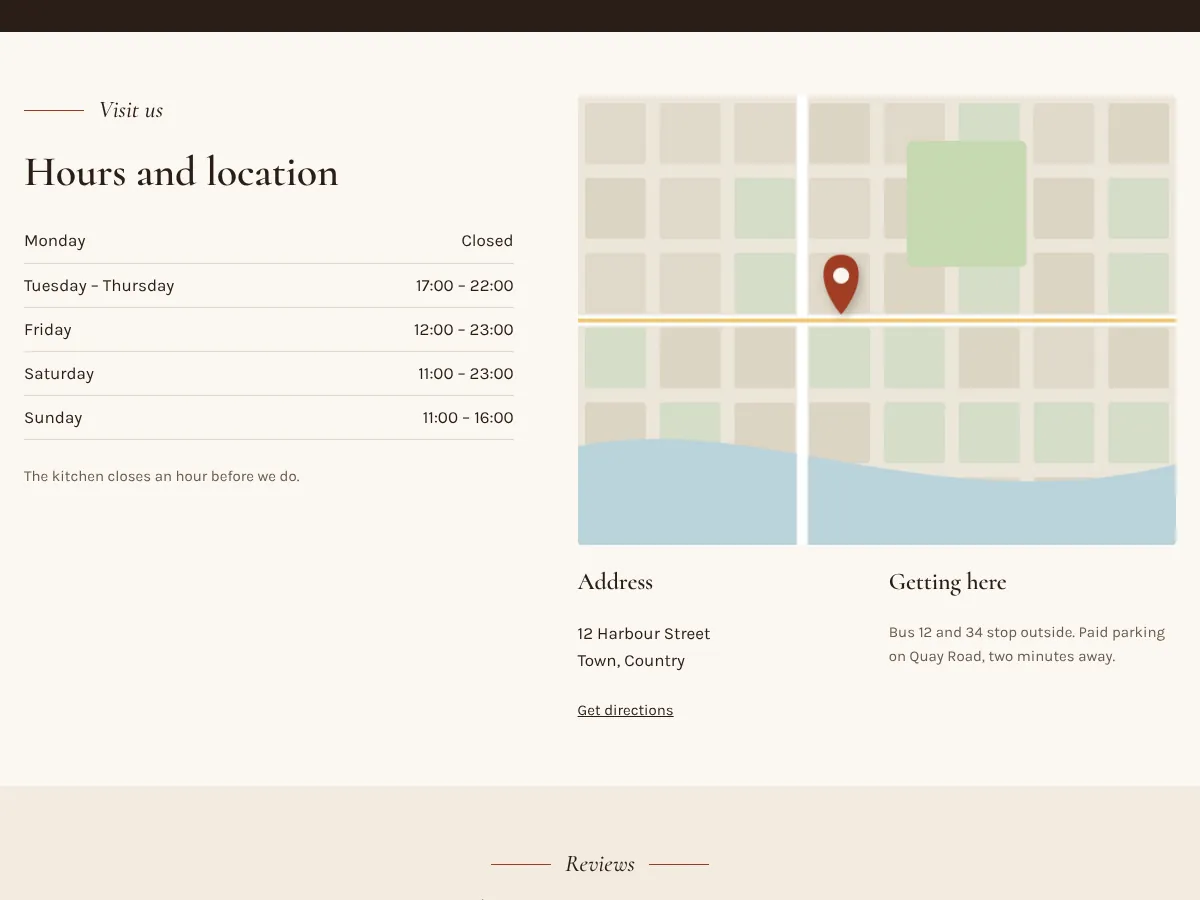
Hours and a map, side by side
Opening hours one day per row, the address, a “Get directions” link and how to get there by bus or car. The map is a drawing, so no map service tracks your visitors; swap in a screenshot of your street or a map block from a plugin you trust.
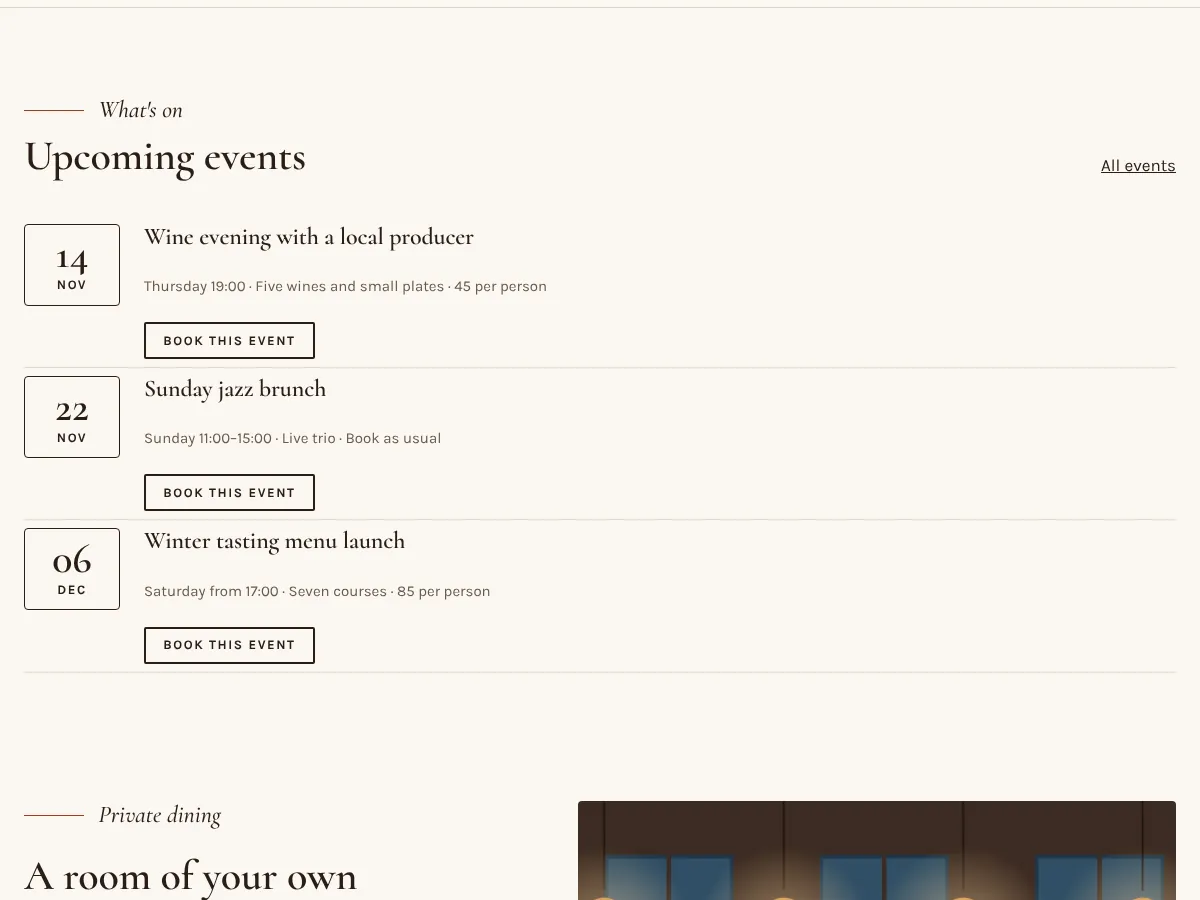
Events, private dining and gift cards
A list of upcoming events with a date block and a book button, a private room with seats, standing capacity and minimum spend, a dark band selling gift cards and a newsletter section. Today's specials appear on a dark band like a chalkboard.
Made for the phone in someone's hand
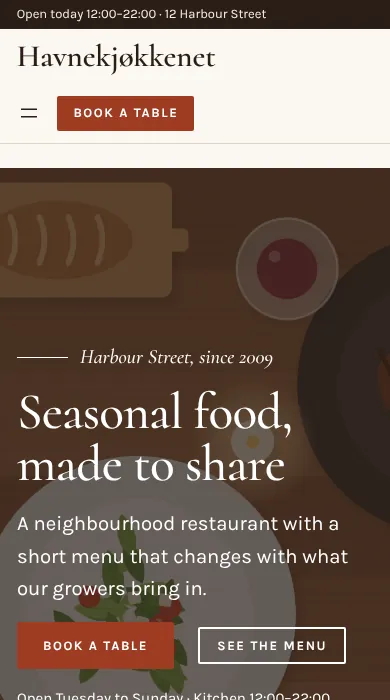
A slim top bar shows today's hours, your street and a tap-to-call booking number. The “Book a table” button stays in the header, and menus keep their price lines on a narrow screen.
From candlelit bistro to Nordic café
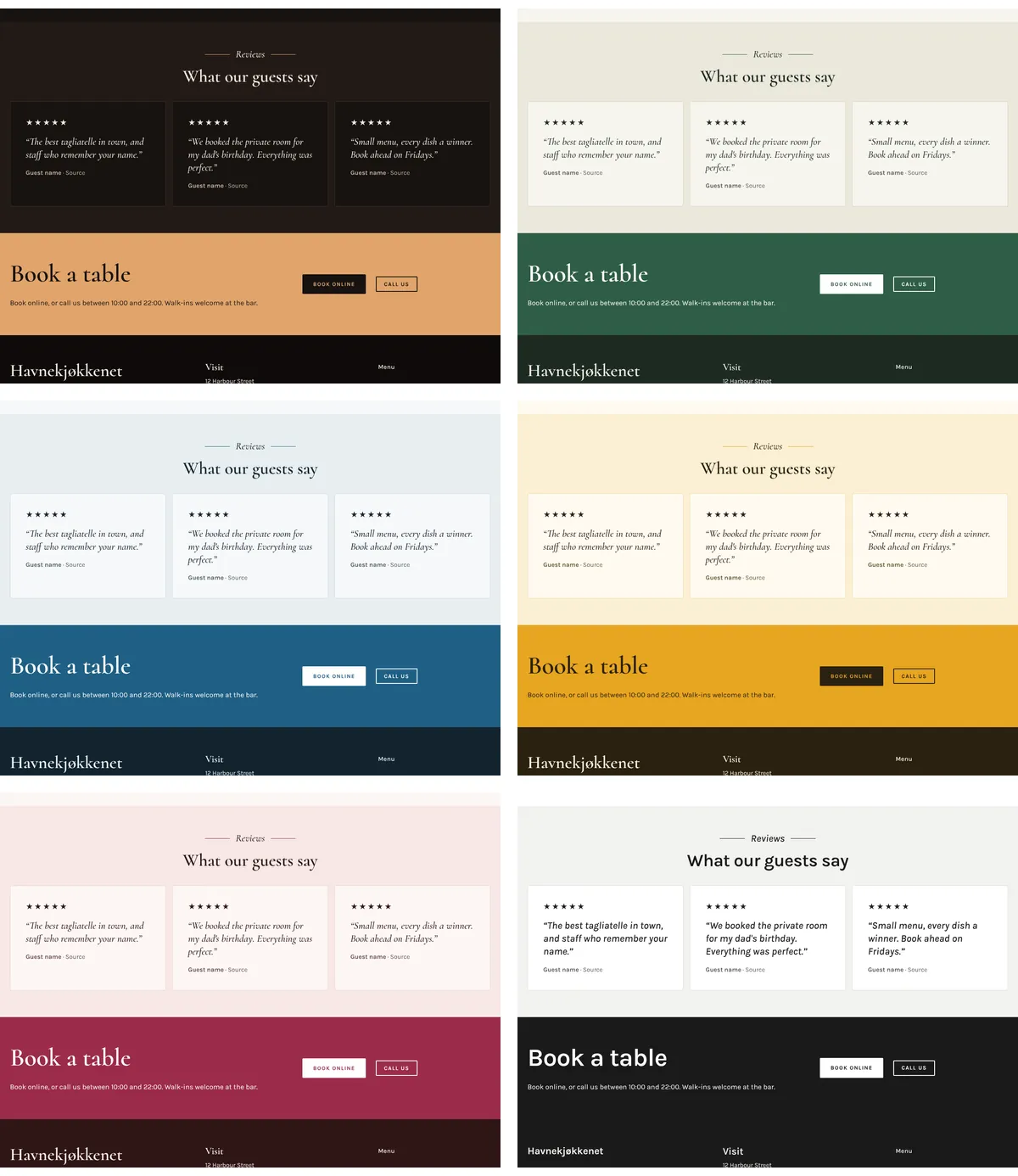
Pick a style under Appearance → Editor → Styles. Evening is a dark style for wine bars and late kitchens, Nordic swaps the serif for a clean sans, and the rest change the colours: bistro green, harbour blue, saffron yellow and a wine-bar red. Every style keeps text at WCAG AA contrast or better.
Build any page from blocks
Find them in the block inserter under AriDine.
Warm, fast and nothing extra to install
Hours on every page
A top bar with today's hours and a tap-to-call booking number, and your address and hours again in the footer.
Nine templates
Home, post, page, wide page, landing page without a title, blank canvas, archive, search results and a helpful 404 page.
Cormorant and Karla
An elegant serif for headings and dish names, and a friendly sans for the rest, both stored in the theme, so no visitor data goes to Google Fonts.
No tracking map
The map is an illustration, not an embed, so visitors are not tracked by a map service. A “Get directions” link sends them to the map app on their phone.
Illustrations you may use
The sections use food, dining room and chef illustrations we drew for the theme, under the GPL. Swap in photos of your own dishes whenever you like.
Light and fast
No page builder, no jQuery and no theme script. The menu loads quickly on a weak signal outside your door.
From install to first booking in four steps
- Install and activate AriDine under Appearance → Themes.
- Put your hours, address and booking number in the top bar under Appearance → Editor → Patterns → Header.
- Add pages from the starter pages: restaurant or café home, menu, about, visit and book, and events.
- Type in your own dishes and prices, and point the “Book a table” buttons at your booking service.
How we test AriDine
Every release is tested on the current WordPress version with the official Theme Unit Test content and the Theme Check plugin. We open every section and template in the editor to make sure no block breaks, check every page at phone and desktop width, and run an accessibility scan on every starter page in all seven styles.
What to expect
A first release
AriDine is at version 0.1.0. We send our themes to the WordPress.org Themes Team one at a time; AriDine follows AriNova, AriPress, AriJournal, AriOak, AriVolt, AriShop, AriFolio and AriBuild.
Bookings come from your booking service
A theme should not collect data, so AriDine takes no bookings itself. Link the buttons to the service you use, or paste its widget into the Reservations section. For group enquiries, add a form from a plugin such as our AriForms.
The sample menu is not yours
Dishes, prices, events and reviews in the sections are examples. Replace them with your own, and only publish reviews you have permission to use.
Coming in AriDine Pro
Styled layouts for booking widgets and pages for restaurants with more than one location. These are planned, not built yet. Everything on this page is in the free theme.
Coming soon on WordPress.org
AriDine will be free to install straight from your WordPress dashboard under Appearance → Themes → Add New. Leave your email and we will tell you the day it is live.
Frequently asked
Which WordPress and PHP versions does it need?
WordPress 6.6 or newer and PHP 7.4 or newer. We test it on the current WordPress release, 7.1.
Is AriDine free?
Yes. The theme is free and licensed under GPLv2 or later, like WordPress itself. AriDine Pro is planned as a separate add-on; the free theme will never lose features to it.
Who is AriDine for?
Restaurants, cafés, bakeries, bistros, wine bars, brunch spots and anyone who needs to show a menu, opening hours and the way to their door.
How do I add a dish or change a price?
Click the dish and type. To add one, select a dish, choose Duplicate from the block options and change the name, price and description.
Can I use it for a café rather than a restaurant?
Yes. There is a separate café home page with a café hero, three highlights, a two-column menu and a gallery, and the Saffron and Nordic styles suit a daytime café.
Does it take online orders or bookings?
No. A theme should not collect data. Link the buttons to your booking or ordering service, or paste its widget into the Reservations section.
Does it load Google Fonts or Google Maps?
No. Cormorant and Karla are stored inside the theme, and the map is an illustration, so no visitor data goes to Google or any other server.
Is there a dark mode?
Yes. Choose the Evening style under Appearance → Editor → Styles. It changes the whole site.
Will my pages stay if I change theme later?
Yes. Your pages and posts belong to WordPress. AriDine adds no custom post types or shortcodes, so your menus stay as normal blocks if you switch.
Can I translate it?
Yes. All texts are translatable and the theme includes a translation template. Once AriDine is on WordPress.org, volunteers can translate it there and WordPress installs the language packs for you.